Notion Student and Exam Prep Systems: PowerPoint decks
The short answer
Bodhih has 10 decks in Notion Student and Exam Prep Systems: Assignment and Deadline Systems, Burnout Prevention for Students, Class Notes Database Design, Exam Revision Tracker and 6 more. Each deck is a ready-to-use, editable PowerPoint (.pptx) presentation on one topic, built by a corporate training team: open it, add your own examples and present. Prices are ₹99 each including GST in India, or $1.49 each elsewhere. One-time payment, no subscription.
Assignment and Deadline Systems
A 51-slide editable PowerPoint guide to building an assignment and deadline system in Notion: Student OS dashboard, Courses and Assignments databases, Due This Week view, weekly page and exam prep zones. For students and anyone teaching them.

Burnout Prevention for Students
A 51-slide editable PowerPoint on preventing student burnout with Notion: an exam prep workspace, early warning signs, five prevention strategies, self-care and weekly review templates, and when to seek help. For students and student-support teams.
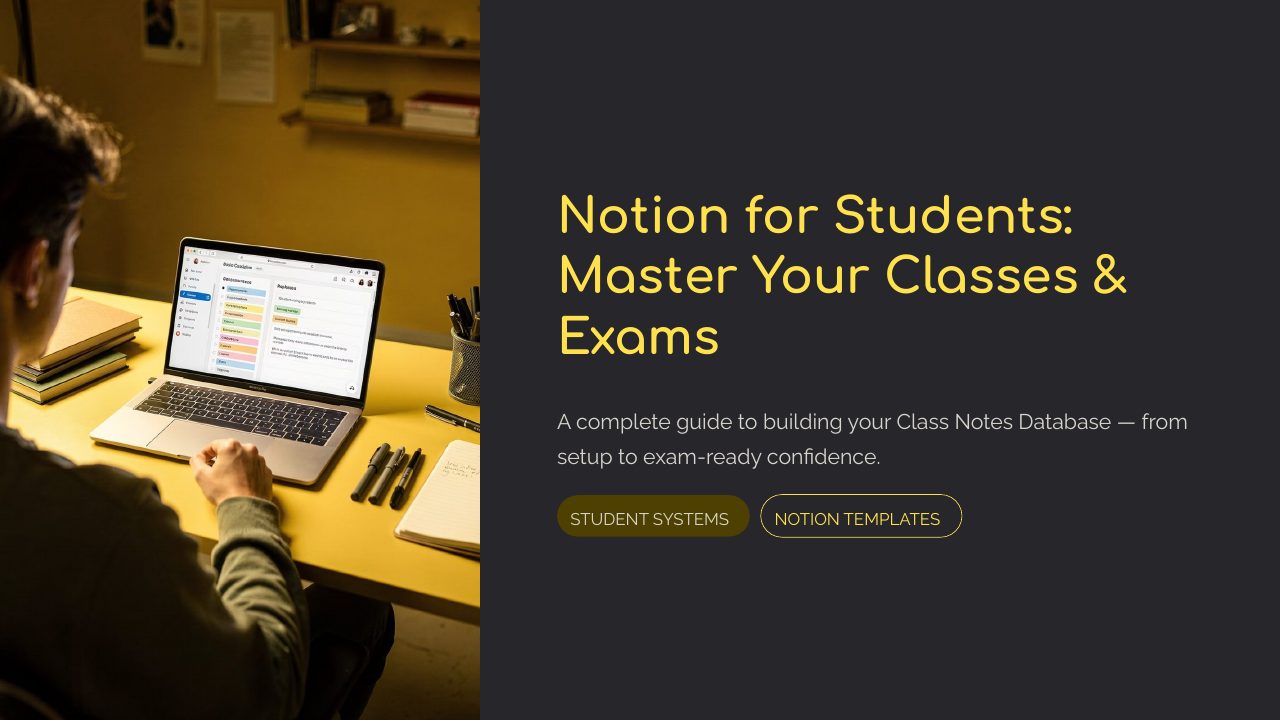
Class Notes Database Design
A 51-slide editable PowerPoint on designing a class notes system in Notion: a four-database map, relations and rollups, a dashboard with template buttons, Cornell notes, exam views and flashcards. For students and trainers teaching note-taking systems.
Exam Revision Tracker
A 51-slide editable PowerPoint on building an exam revision tracker in Notion: five linked databases, a five-step build, revision progress and next review date formulas, progress bars, reminders and a setup checklist. For students and tutors.

Graduation Goal Mapping
A 51-slide editable PowerPoint on mapping graduation goals in Notion: North Star, SMART objectives, a Graduation Goals database, Courses and Topics, study tasks, calendar and board views. For final-year students, advisers and career coaches.

Question Bank Templates
A 51-slide editable PowerPoint on building a question bank in Notion: a six-step build, essential properties, To Study and Practice Mode views, a mastery formula, two template styles, calendar scheduling and tags. For students and exam tutors.
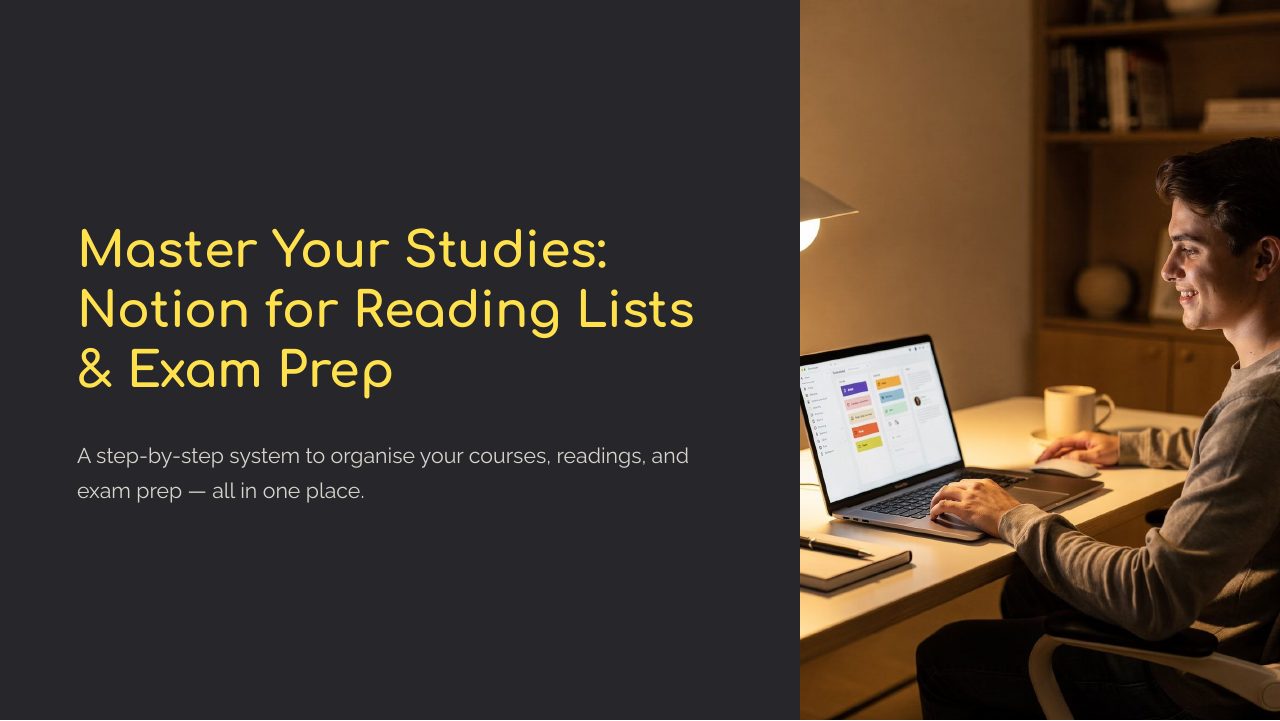
Reading List Management
A 51-slide editable PowerPoint on managing reading lists in Notion: an Academic Home page, course pages, a Reading List database, Web Clipper, assignment tracker, study tasks, a progress formula and a database map. For students and researchers.
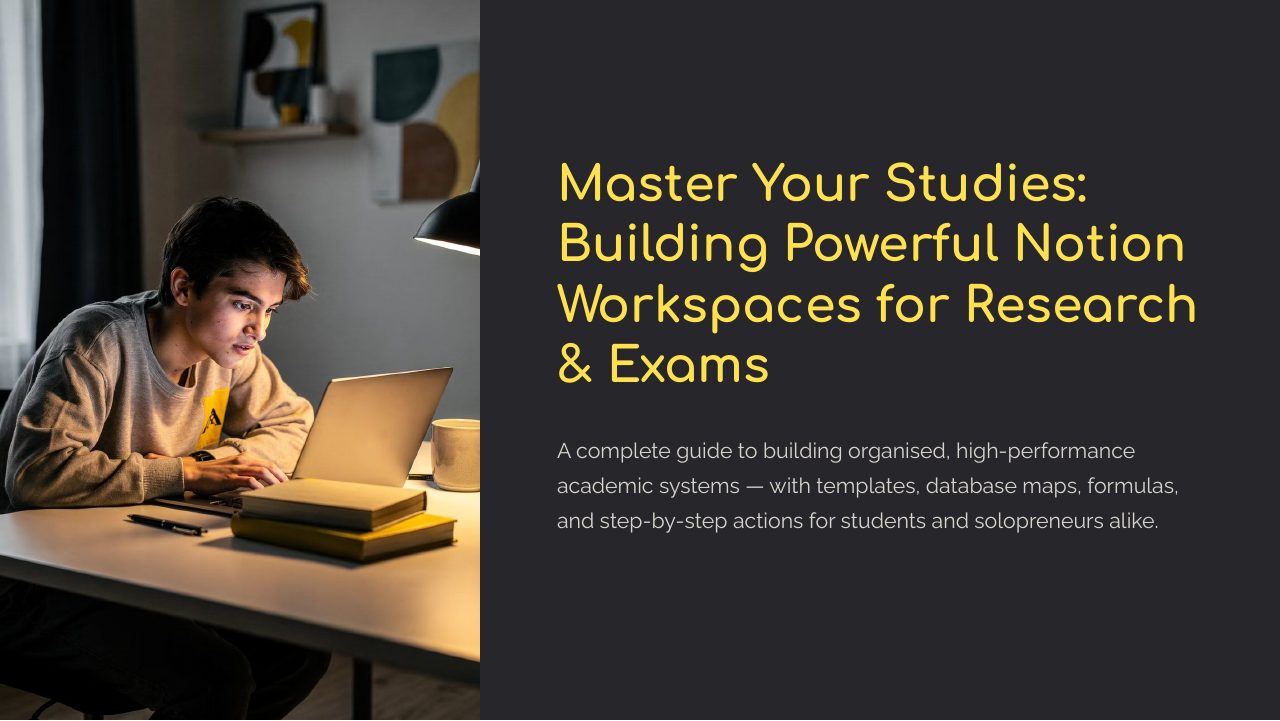
Research Project Workspaces
A 51-slide editable PowerPoint on building research project workspaces in Notion: a Projects, Sources and Notes database map, a three-step setup, a reading status formula, an exam prep dashboard, spaced repetition and template deep dives.
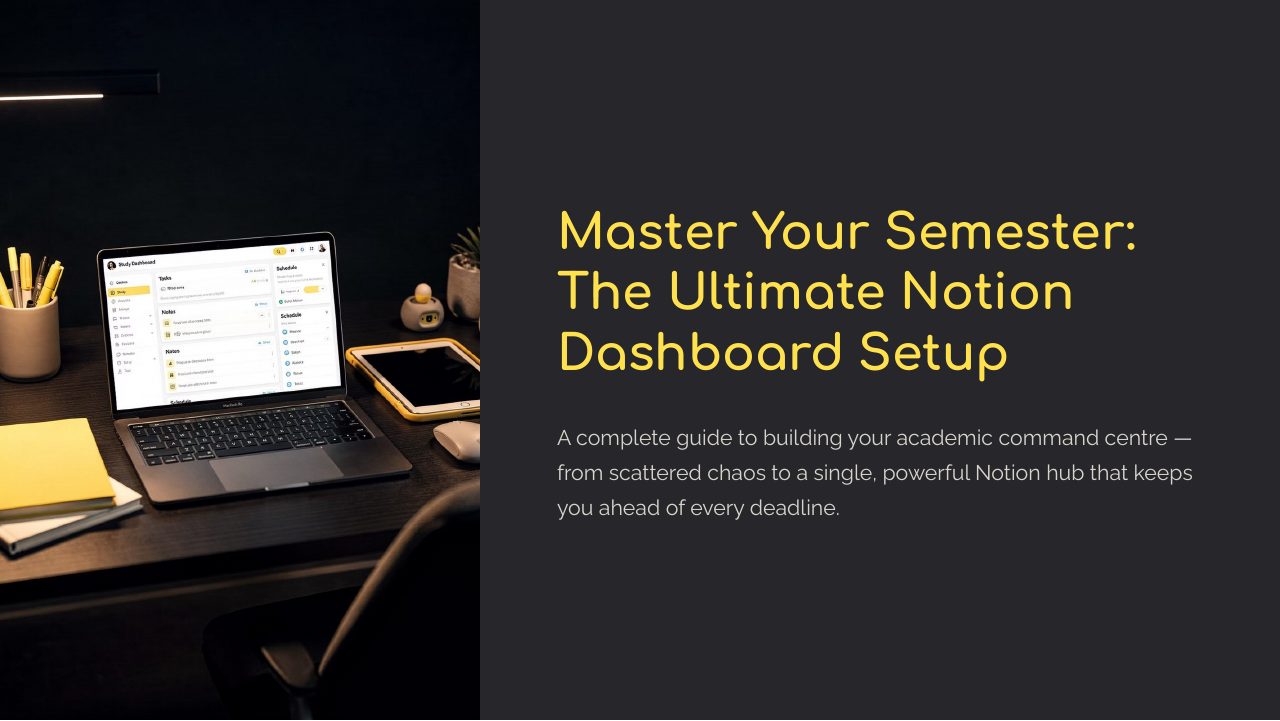
Semester Dashboard Setup
A 51-slide editable PowerPoint on setting up a semester dashboard in Notion: hub page layout, Courses and Assignments databases, relations, smart views, widgets, three formulas, a setup checklist and a daily routine. For students and template builders.

Study Sprint Planners
A 51-slide editable PowerPoint on building a study sprint planner in Notion: linked Subjects, Topics and Study Sessions databases, Pomodoro scheduling, rollups, a progress formula, calendar sync, template spotlights and a 7-day finals schedule.
More PowerPoint decks topics
Notion Student and Exam Prep Systems decks: common questions
Which Notion Student and Exam Prep Systems decks does Bodhih sell?
10: Assignment and Deadline Systems, Burnout Prevention for Students, Class Notes Database Design, Exam Revision Tracker, Graduation Goal Mapping, Question Bank Templates, Reading List Management, Research Project Workspaces, Semester Dashboard Setup and Study Sprint Planners.
How much do the Notion Student and Exam Prep Systems decks cost?
Prices are ₹99 each including GST in India, or $1.49 each elsewhere. Each is a one-time payment with an automatic invoice; there is no subscription.
Can I edit the slides?
Yes. Every deck is a standard .pptx file, so the text, colours and layouts can be edited in PowerPoint.
How do I get the files after paying?
Instant download after payment, with a link emailed to you. No account is needed. Single-user licence.