Personal Knowledge Management for Busy Professionals: PowerPoint decks
The short answer
Bodhih has 10 decks in Personal Knowledge Management for Busy Professionals: AI-Enhanced Personal Knowledge Search, Archiving and Retrieval Hygiene, Building a Second Brain in Notion, Decision Journal Systems and 6 more. Each deck is a ready-to-use, editable PowerPoint (.pptx) presentation on one topic, built by a corporate training team: open it, add your own examples and present. Prices are ₹99 each including GST in India, or $1.49 each elsewhere. One-time payment, no subscription.

AI-Enhanced Personal Knowledge Search
A 50-slide editable PowerPoint on using AI to capture, tag, search and connect what you know: five AI capabilities, a six-point tool checklist, the Capture, Connect, Create cycle and a 30-day plan. For professionals, students and creators.

Archiving and Retrieval Hygiene
A 47-slide editable PowerPoint on keeping a personal knowledge system findable: the capture, organise, retrieve pillars, PARA, linking, a six-step setup, note templates, trackers and a four-week plan. For busy professionals and students.

Building a Second Brain in Notion
A 53-slide editable PowerPoint on building a second brain in Notion: PARA databases, an inbox, linked relations, progressive summarisation, a weekly review dashboard, three worked examples and a three-day launch plan. For professionals, creators and students.
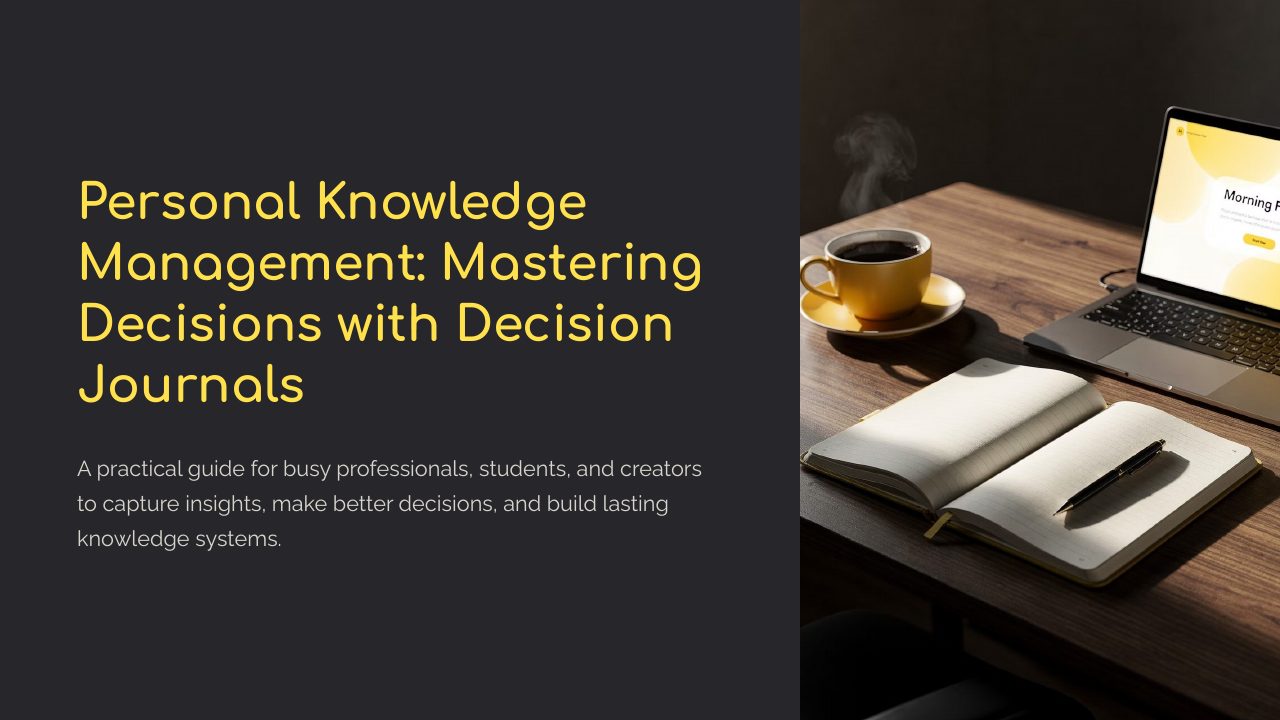
Decision Journal Systems
A 51-slide editable PowerPoint on keeping a decision journal inside a personal knowledge system: capture and reflect, a seven-field decision log, daily, project and area templates, review schedules and a four-step start. For professionals and creators.
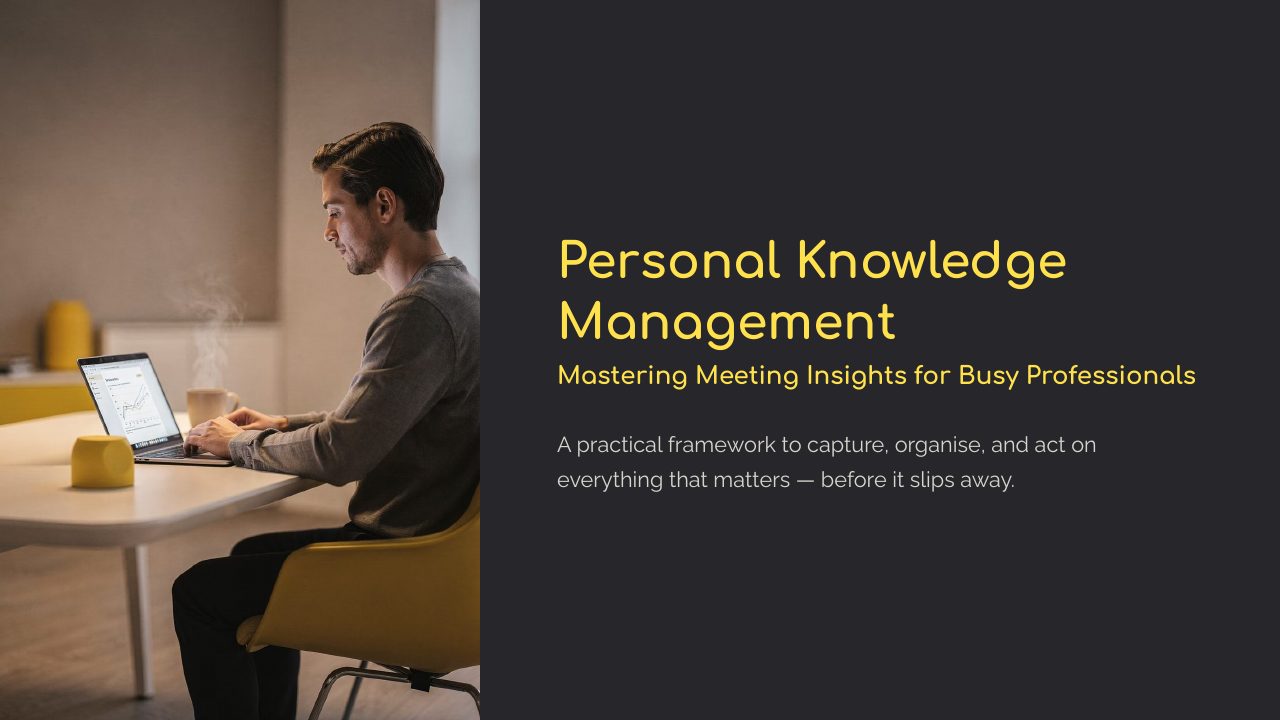
Knowledge Capture From Meetings
A 50-slide editable PowerPoint on capturing and reusing what happens in meetings: why notes fail, live-capture prompts, a core meeting note template, AI summaries, five implementation steps and a 30-day pilot. For busy professionals and teams.
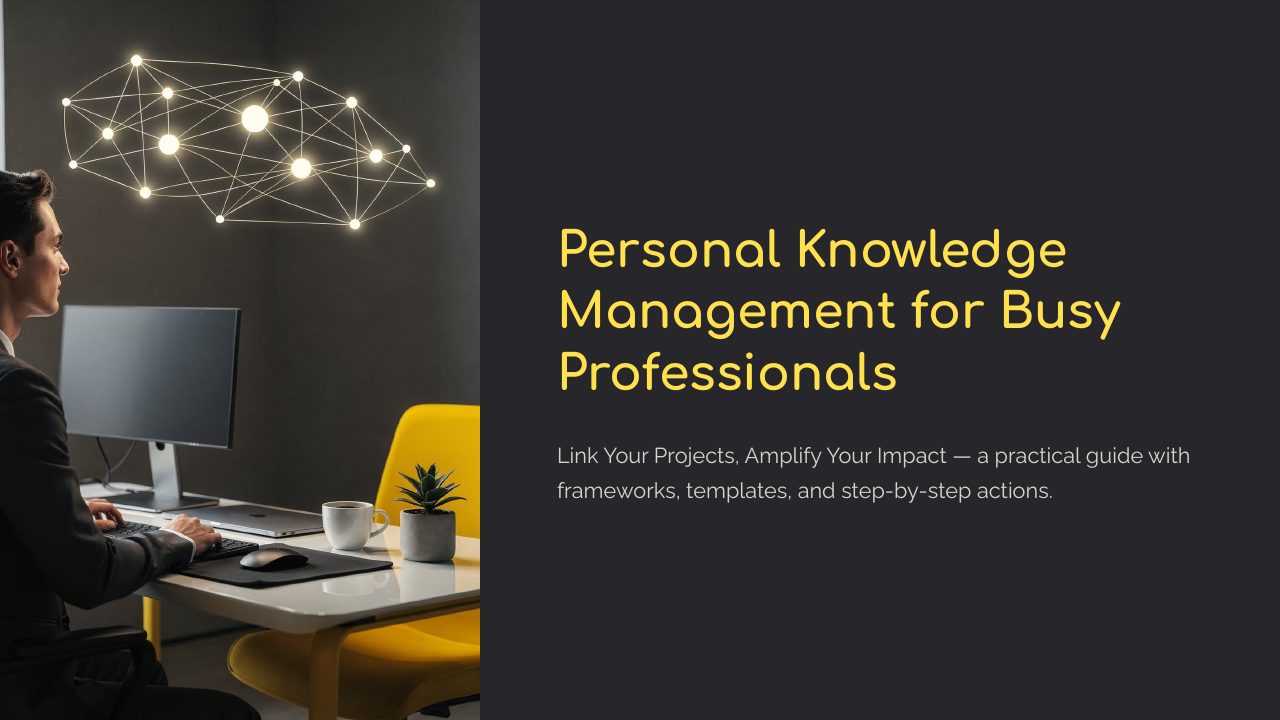
Linking Projects to Knowledge Bases
A 51-slide editable PowerPoint on connecting active projects to a personal knowledge base: raw and wiki folders, wikilinks, an LLM synthesis workflow, a project tracker and prompt template, a six-step setup and ways to scale. For professionals and creators.
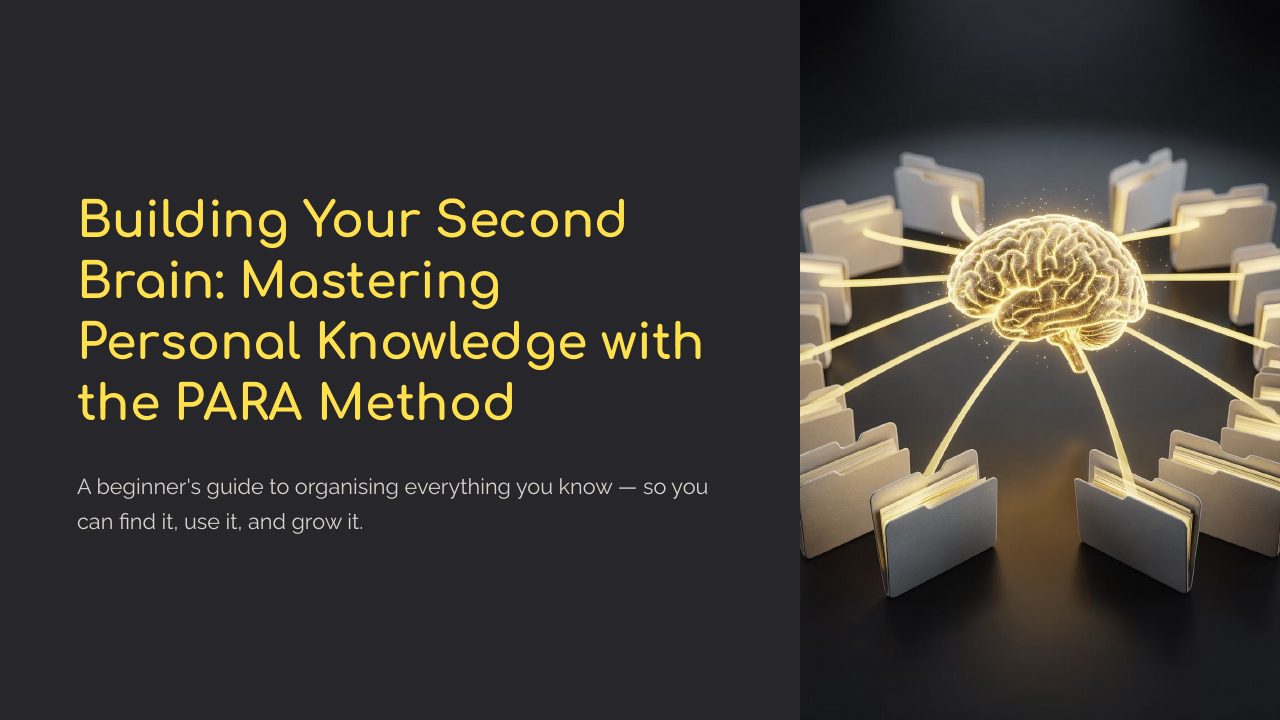
PARA Method for Beginners
A 51-slide editable PowerPoint introducing the PARA method for beginners: projects, areas, resources and archives, the CODE workflow, three worked examples, three trackers, common pitfalls and a 30-day launch plan. For professionals, students and creators.
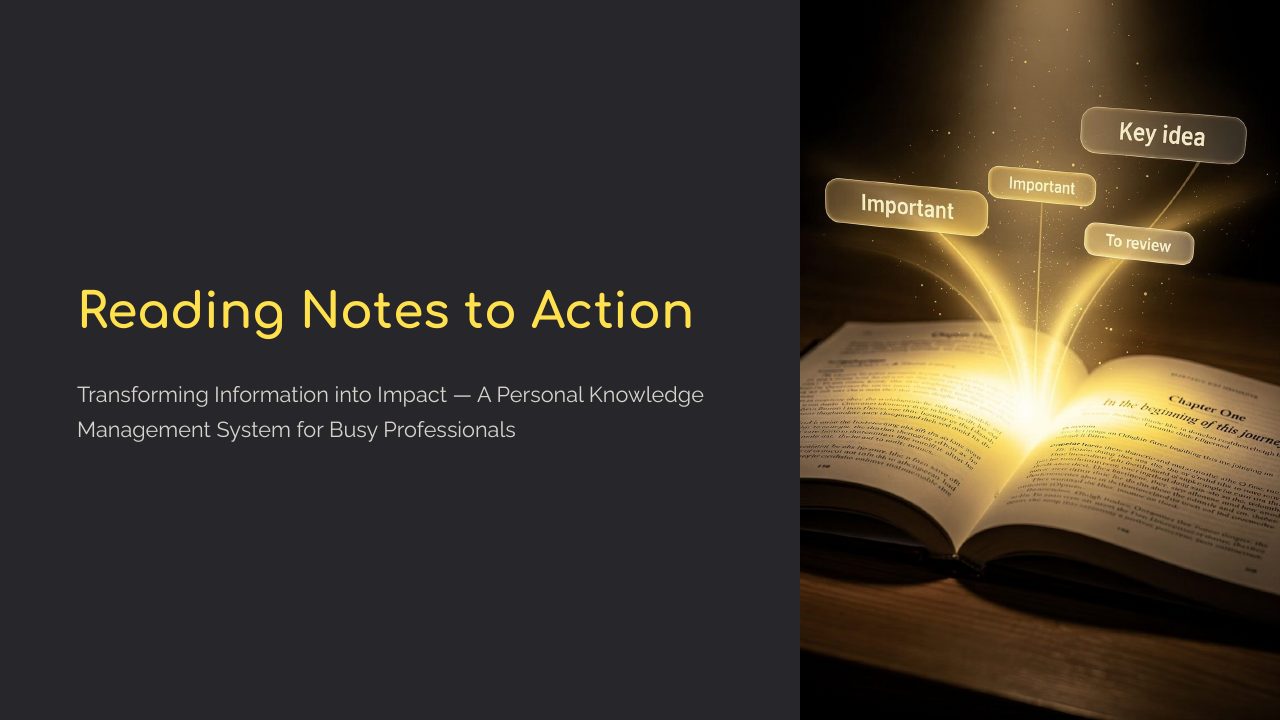
Reading Notes to Action System
A 51-slide editable PowerPoint on turning what you read into what you do: the Reading Notes to Action cycle, capture techniques, linking, extracting next actions, a five-step setup, templates and four tracker metrics. For professionals, students and creators.
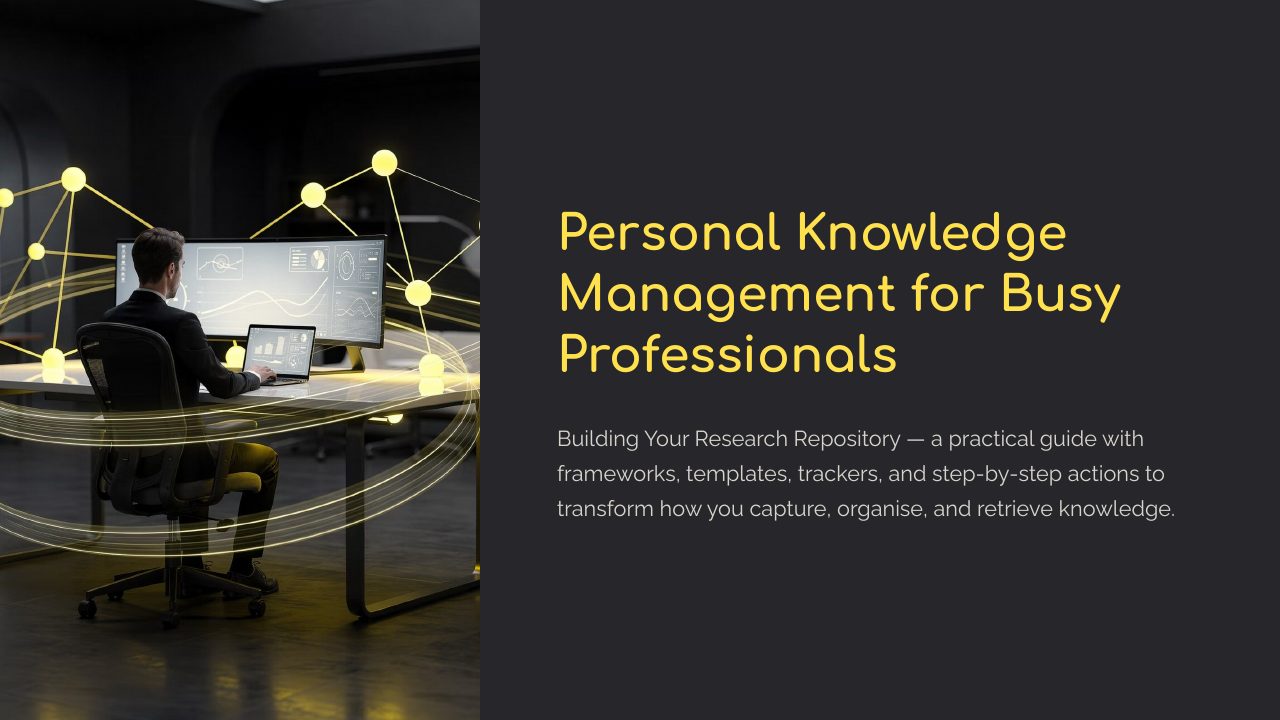
Research Repository Design
A 51-slide editable PowerPoint on designing a personal research repository: Zettelkasten and PARA compared, a six-step design process, atomic note and project hub templates, intake and retrieval trackers and a 21-day kickstart. For researchers, analysts and students.
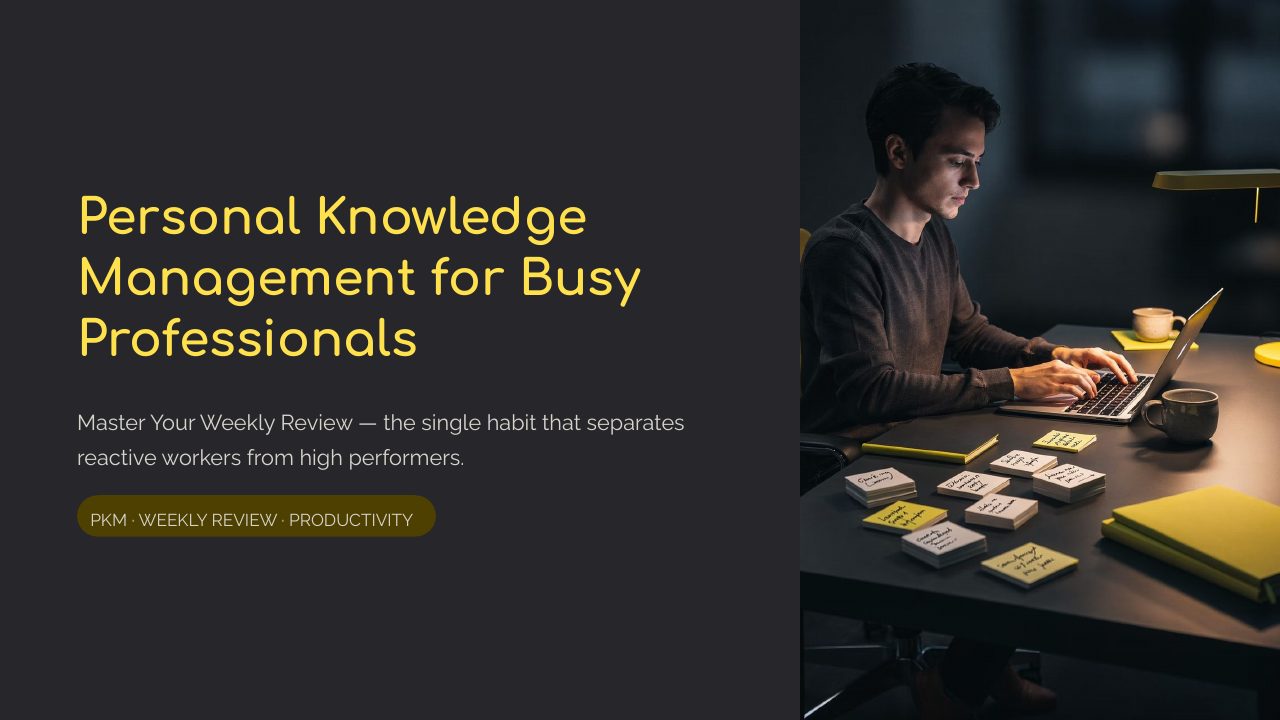
Weekly Review for Knowledge Workers
A 51-slide editable PowerPoint on the weekly review as the habit that holds a knowledge system together: 15-minute, 30-minute and full checklist versions, a five-section review, trackers, scheduling advice, roadblocks and a month-one plan. For professionals and teams.
More PowerPoint decks topics
Personal Knowledge Management for Busy Professionals decks: common questions
Which Personal Knowledge Management for Busy Professionals decks does Bodhih sell?
10: AI-Enhanced Personal Knowledge Search, Archiving and Retrieval Hygiene, Building a Second Brain in Notion, Decision Journal Systems, Knowledge Capture From Meetings, Linking Projects to Knowledge Bases, PARA Method for Beginners, Reading Notes to Action System, Research Repository Design and Weekly Review for Knowledge Workers.
How much do the Personal Knowledge Management for Busy Professionals decks cost?
Prices are ₹99 each including GST in India, or $1.49 each elsewhere. Each is a one-time payment with an automatic invoice; there is no subscription.
Can I edit the slides?
Yes. Every deck is a standard .pptx file, so the text, colours and layouts can be edited in PowerPoint.
How do I get the files after paying?
Instant download after payment, with a link emailed to you. No account is needed. Single-user licence.