Microsoft 365 Copilot and Google Gemini at Work: PowerPoint decks
The short answer
Bodhih has 10 decks in Microsoft 365 Copilot and Google Gemini at Work: 30-Day AI Assistant Adoption Plan for Teams, Choosing the Right AI Assistant for the Task, Copilot in Excel: Formulas, Analysis and Charts, Copilot in Outlook: Inbox, Drafts and Follow-Ups and 6 more. Each deck is a ready-to-use, editable PowerPoint (.pptx) presentation on one topic, built by a corporate training team: open it, add your own examples and present. Prices are ₹99 each including GST in India, or $1.49 each elsewhere. One-time payment, no subscription.
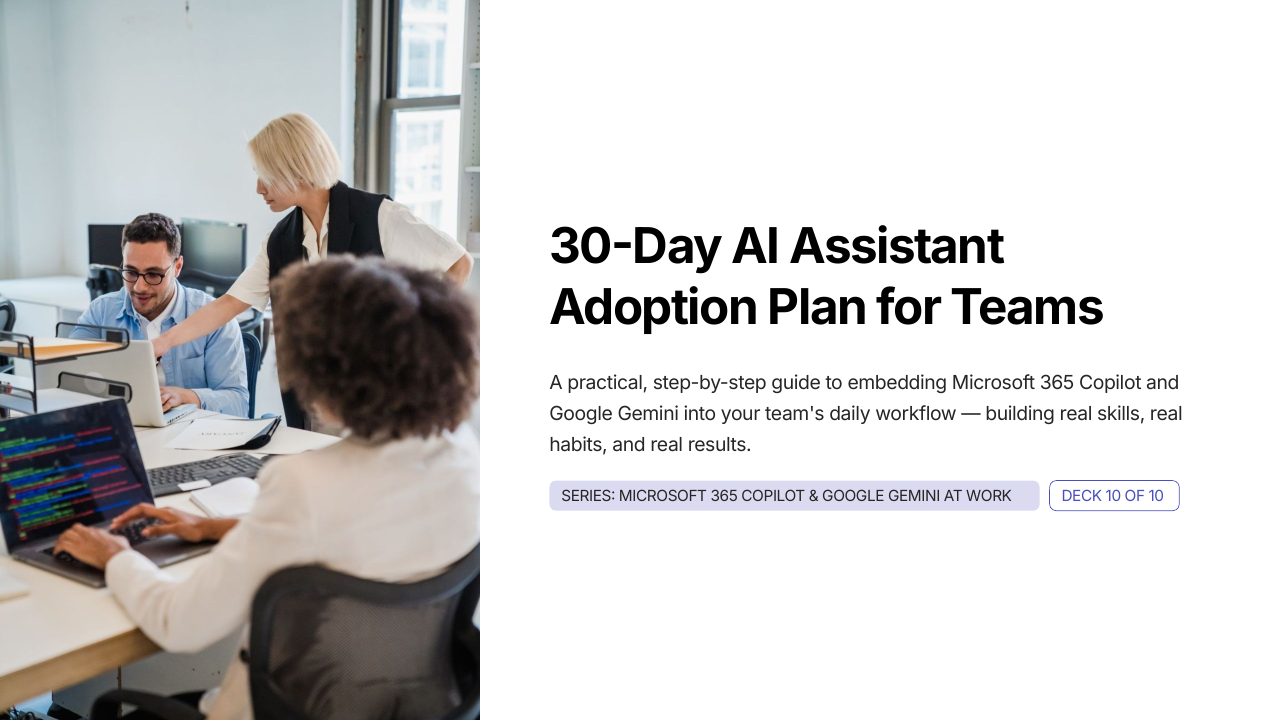
30-Day AI Assistant Adoption Plan for Teams
30-Day AI Assistant Adoption Plan for Teams: a ready-to-use, editable PowerPoint deck (49 slides) for office and admin staff, managers and sales and marketing teams. Present it to your team or use it to learn the topic quickly.
Choosing the Right AI Assistant for the Task
Choosing the Right AI Assistant for the Task: a ready-to-use, editable PowerPoint deck (49 slides) for office and admin staff, managers and sales and marketing teams. Present it to your team or use it to learn the topic quickly.
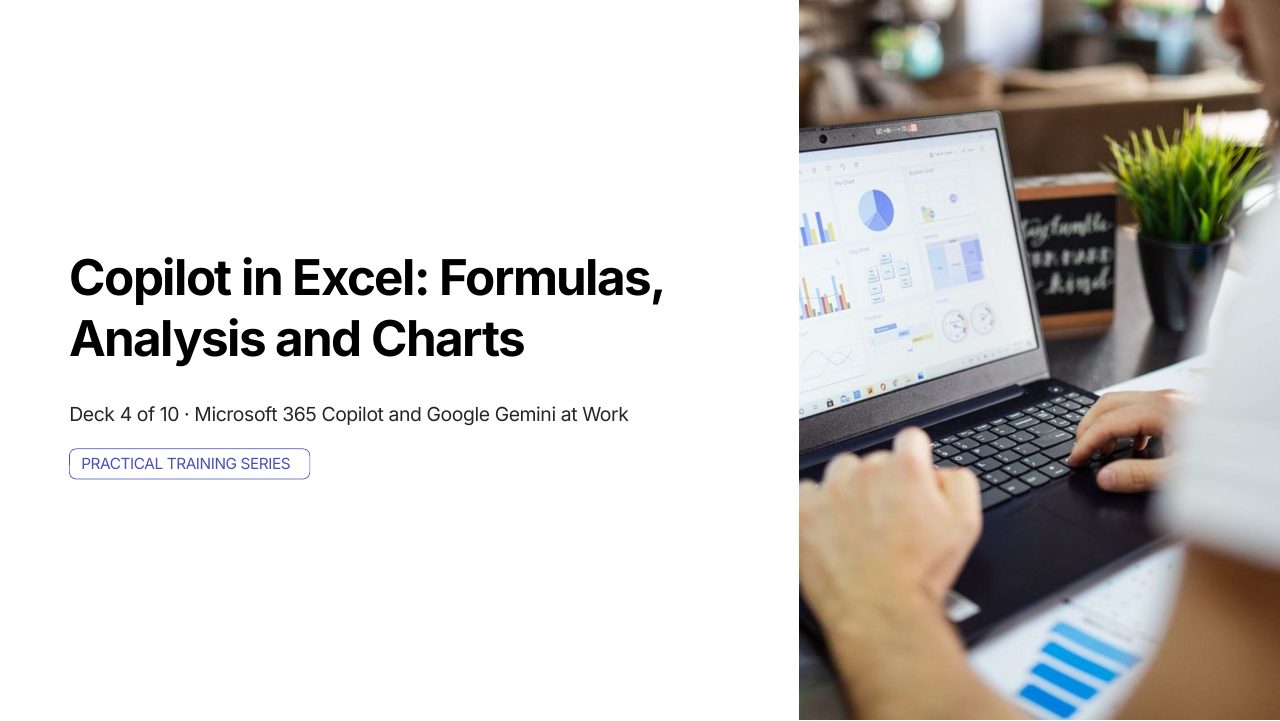
Copilot in Excel: Formulas, Analysis and Charts
Copilot in Excel: Formulas, Analysis and Charts: a ready-to-use, editable PowerPoint deck (49 slides) for office and admin staff, managers and sales and marketing teams. Present it to your team or use it to learn the topic quickly.
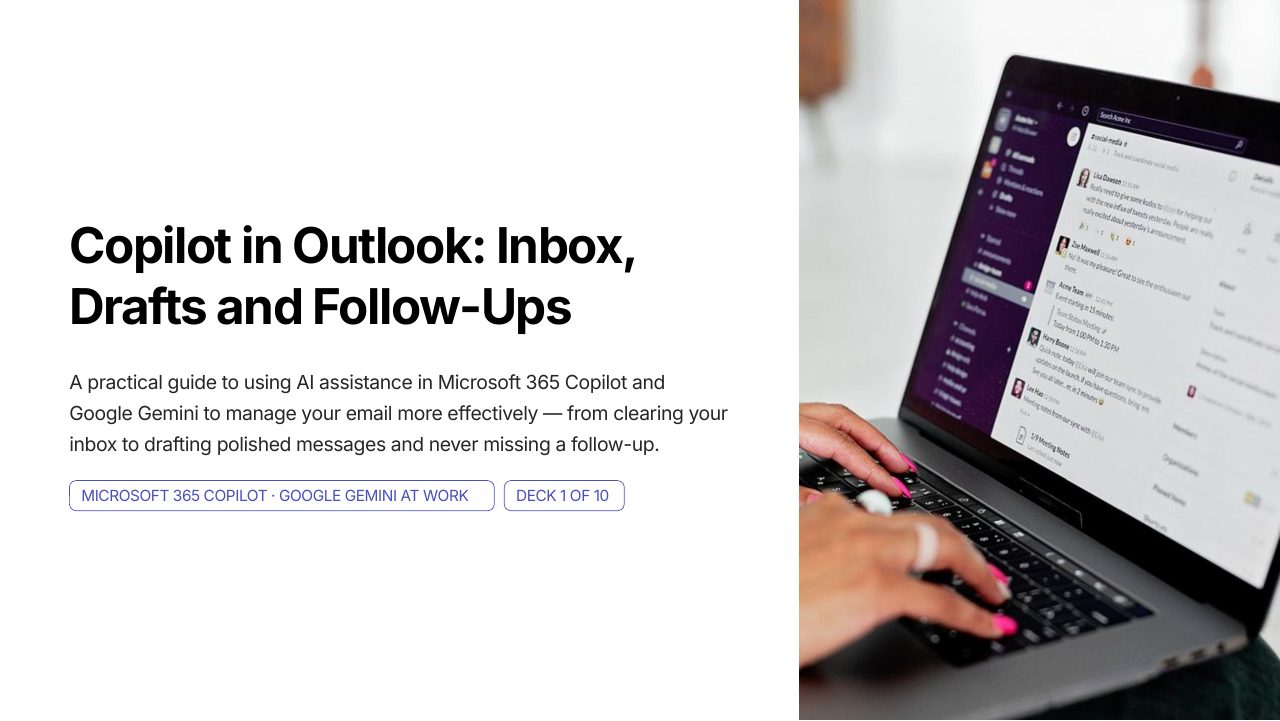
Copilot in Outlook: Inbox, Drafts and Follow-Ups
Copilot in Outlook: Inbox, Drafts and Follow-Ups: a ready-to-use, editable PowerPoint deck (49 slides) for office and admin staff, managers and sales and marketing teams. Present it to your team or use it to learn the topic quickly.
Copilot in PowerPoint: From Outline to Deck
Copilot in PowerPoint: From Outline to Deck: a ready-to-use, editable PowerPoint deck (49 slides) for office and admin staff, managers and sales and marketing teams. Present it to your team or use it to learn the topic quickly.
Copilot in Teams: Meeting Recaps and Action Items
Copilot in Teams: Meeting Recaps and Action Items: a ready-to-use, editable PowerPoint deck (49 slides) for office and admin staff, managers and sales and marketing teams. Present it to your team or use it to learn the topic quickly.
Copilot in Word: Drafting and Rewriting
Copilot in Word: Drafting and Rewriting: a ready-to-use, editable PowerPoint deck (49 slides) for office and admin staff, managers and sales and marketing teams. Present it to your team or use it to learn the topic quickly.
Gemini in Gmail and Google Docs
Gemini in Gmail and Google Docs: a ready-to-use, editable PowerPoint deck (49 slides) for office and admin staff, managers and sales and marketing teams. Present it to your team or use it to learn the topic quickly.
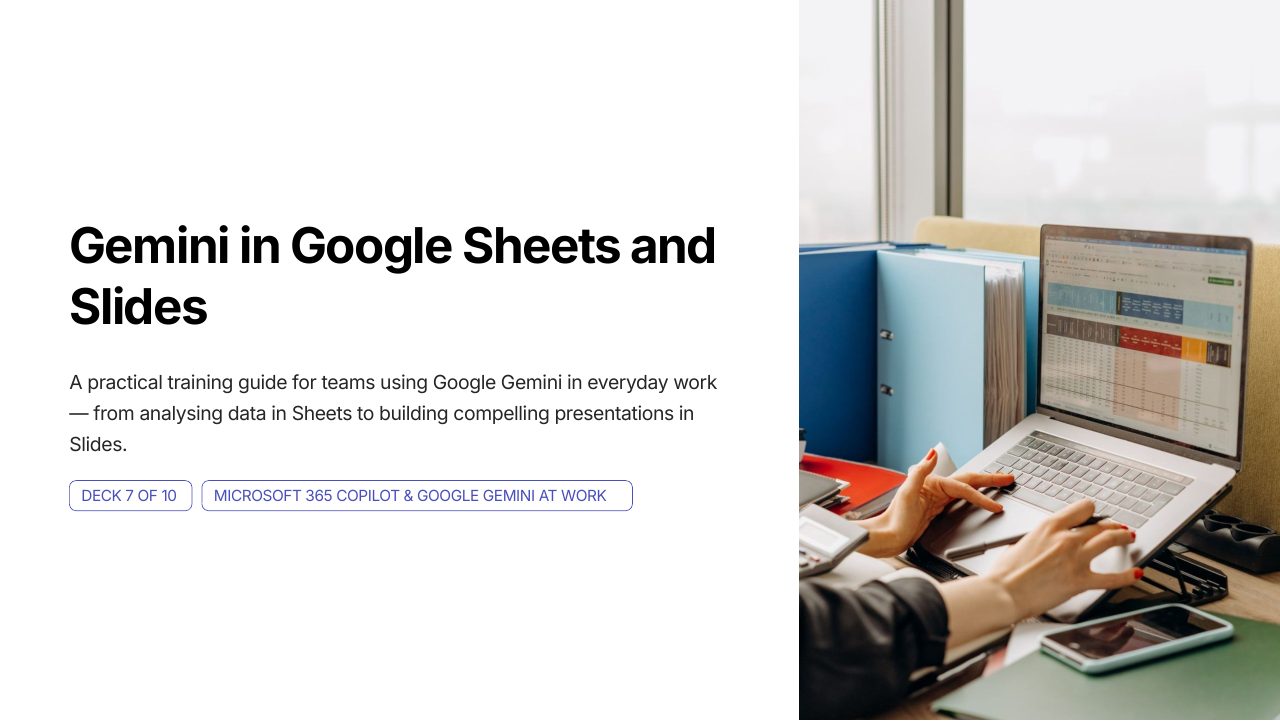
Gemini in Google Sheets and Slides
Gemini in Google Sheets and Slides: a ready-to-use, editable PowerPoint deck (49 slides) for office and admin staff, managers and sales and marketing teams. Present it to your team or use it to learn the topic quickly.
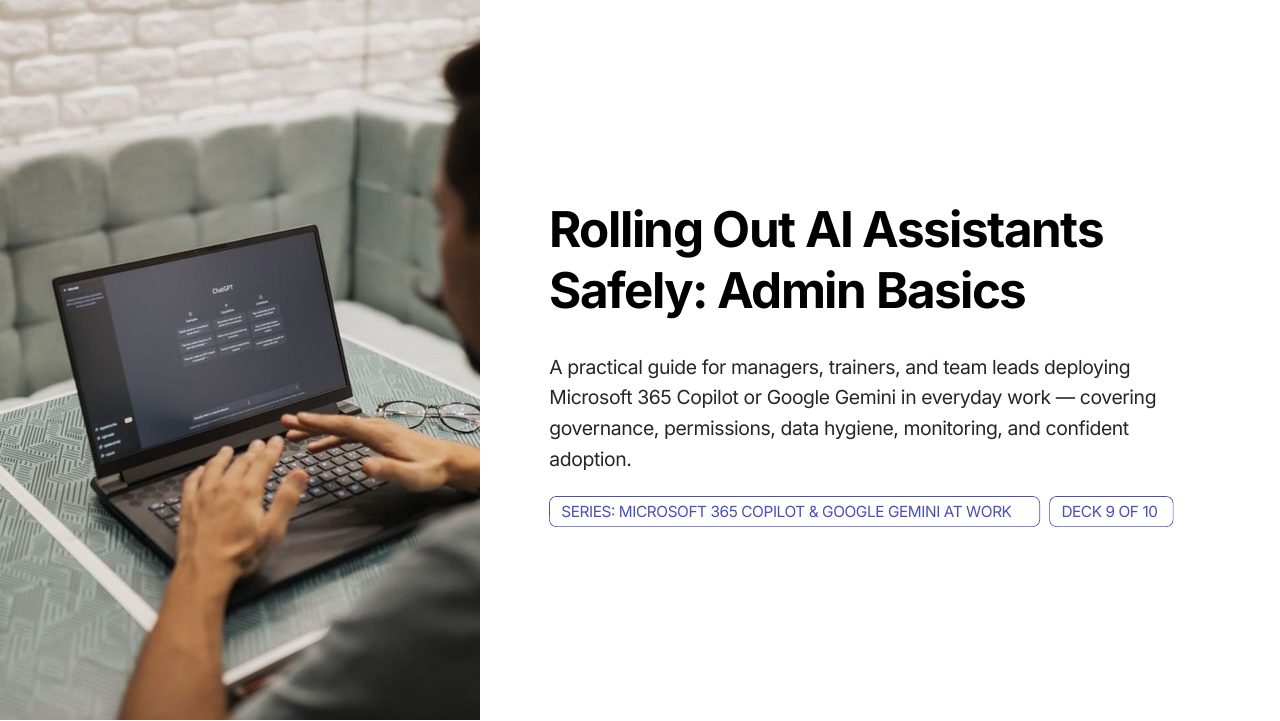
Rolling Out AI Assistants Safely: Admin Basics
Rolling Out AI Assistants Safely: Admin Basics: a ready-to-use, editable PowerPoint deck (49 slides) for office and admin staff, managers and sales and marketing teams. Present it to your team or use it to learn the topic quickly.
More PowerPoint decks topics
Microsoft 365 Copilot and Google Gemini at Work decks: common questions
Which Microsoft 365 Copilot and Google Gemini at Work decks does Bodhih sell?
10: 30-Day AI Assistant Adoption Plan for Teams, Choosing the Right AI Assistant for the Task, Copilot in Excel: Formulas, Analysis and Charts, Copilot in Outlook: Inbox, Drafts and Follow-Ups, Copilot in PowerPoint: From Outline to Deck, Copilot in Teams: Meeting Recaps and Action Items, Copilot in Word: Drafting and Rewriting, Gemini in Gmail and Google Docs, Gemini in Google Sheets and Slides and Rolling Out AI Assistants Safely: Admin Basics.
How much do the Microsoft 365 Copilot and Google Gemini at Work decks cost?
Prices are ₹99 each including GST in India, or $1.49 each elsewhere. Each is a one-time payment with an automatic invoice; there is no subscription.
Can I edit the slides?
Yes. Every deck is a standard .pptx file, so the text, colours and layouts can be edited in PowerPoint.
How do I get the files after paying?
Instant download after payment, with a link emailed to you. No account is needed. Single-user licence.