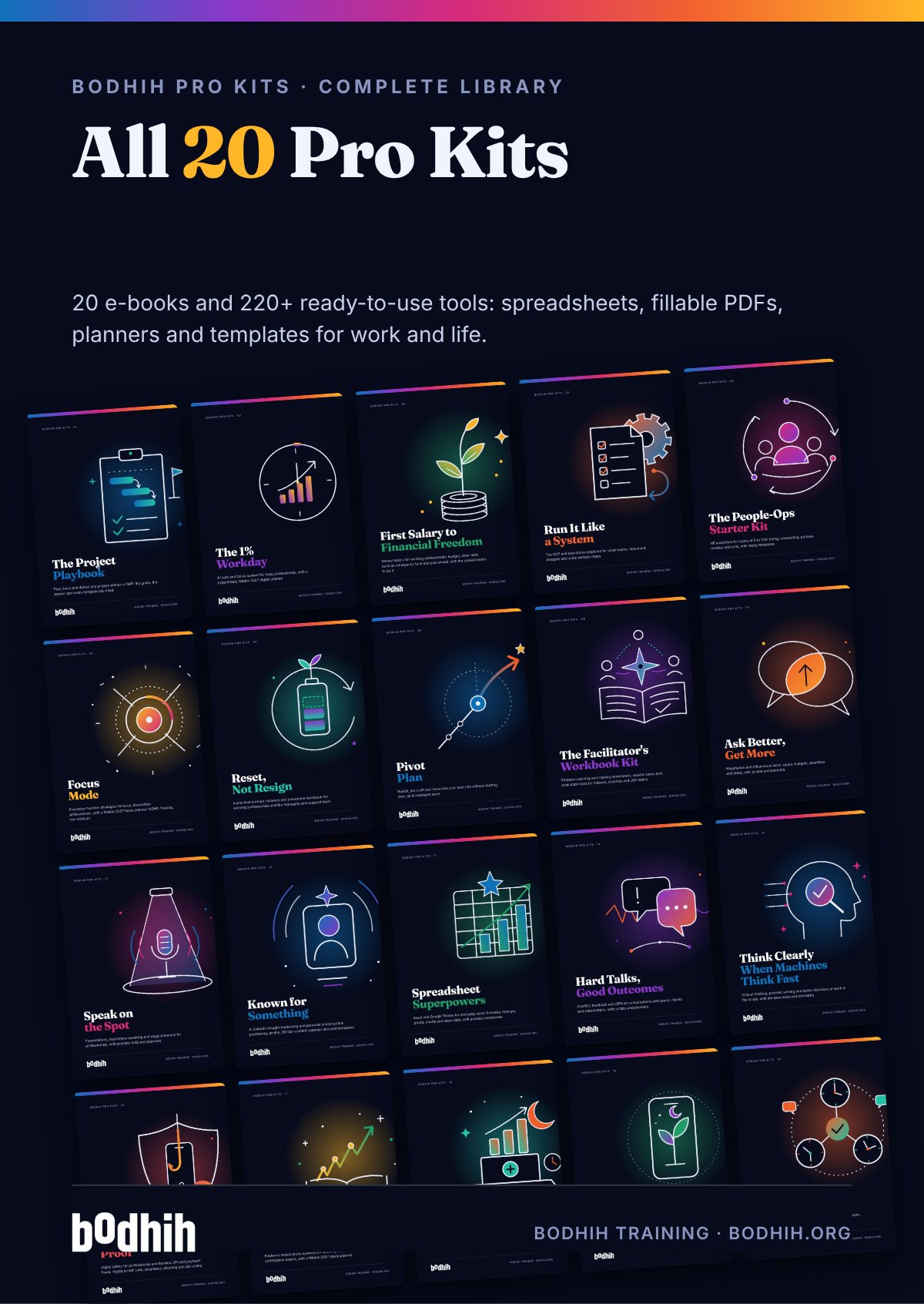
Spreadsheet Superpowers is a practical kit for office staff, graduates and managers who use Excel or Google Sheets every week and want to be faster, more accurate and more confident. Read a chapter, practise on realistic data, and use the same tools at work the same day.
Spreadsheet Superpowers · Bodhih Pro Kits · 13 by Bodhih Training, trainers to 2,000+ companies since 2008.
Learn the fifteen or so functions that cover most office tasks (SUMIFS, COUNTIFS, IF, XLOOKUP, TEXT and date functions), lay data out as a tidy table, and practise on realistic data in short sessions. Spreadsheet Superpowers by Bodhih Training packages this into an e-book, self-marking practice workbook and ready-to-use templates.
Want the full free guide first? Read Which Excel and Google Sheets Formulas Do You Need for Work?.
You filter, copy, paste and retype the same summary every week. One late change from your manager and you start again. It is not hard work, it is repeat work, and a few formulas could do it for you.
A total looks a little low, a lookup returns #N/A for customers who definitely exist, and you are never sure whether the sheet included the last few rows. That doubt follows every number you send.
You have watched tutorials on VLOOKUP and pivot tables, but on your own data nothing quite works. Without realistic practice and instant feedback, the skills do not stick.
Five versions of the same tracker, a Status column full of creative spellings, formulas typed over with numbers. The spreadsheet is fine; the habits around it are not.
Imagine Monday morning. You open the export from your system, paste it into the Data sheet of a workbook you built last month, and glance at a single check cell that tells you the row count matches. The dashboard has already updated. You read it, write two sentences about what changed, and send it before your coffee is cold.
Now imagine your manager asks a follow-up question in the meeting: what about just the West region, only for Furniture, since June? Instead of promising to get back to them, you change two drop-downs and read out the answer. As you start to work this way, people begin to notice that your numbers are fast and, more importantly, right.
That is what this kit is designed to build. As you read each chapter, you open the Practice Workbook and try the matching exercises, and the Check column turns green when you get them right. When you are stuck, the Formula Finder takes you from a plain-English question to the right function, and the cheat sheets sit beside your keyboard.
Whether you start with the Practice Workbook tonight or the Dashboard Template tomorrow, you will notice the difference within a week: fewer manual steps, fewer doubts, and more time for the question behind the numbers.
The e-book shows you how. The tools make it happen. Here is exactly what you download.
The guide: methods, worked examples, scripts and exercises
200 rows of realistic sales data with 20 graded exercises, live answers, lookup, clean-up and pivot-check practice sheets.
Paste your own rows into the Data sheet and three dashboard tabs update: headline KPIs, revenue by region, monthly trend and pipeline mix.
Turn a plain-English question into the right formula in five minutes: tick your route, write your criteria, test the answer.
The 60 functions that cover almost all everyday work, each with a one-line purpose and a ready example, plus version notes.
The Excel and Google Sheets shortcuts worth learning first, side by side for Windows and Mac.
Build, tidy and check a pivot table in Excel or Google Sheets, with five power moves and fixes for common problems.
Every error code decoded with causes and fixes, plus the silent problems (text-numbers, missing $ signs) that do more damage.
Document any important workbook in 30 minutes so a colleague can run it when you are on leave: purpose, sheet map, sources, key formulas, refresh steps and change log.
17 copy-and-adapt prompts for ChatGPT, Gemini, Claude, Copilot or your company's approved assistant: write, explain, fix and convert formulas, clean data, choose charts, plus a five-point verification routine.
Twenty 25-minute weekday practice sessions over four weeks, each linked to a chapter and a sheet in your kit. Import into Google Calendar, Outlook or Apple Calendar.
75 deliberately messy web orders: extra spaces, mixed case, three date formats, text amounts, blanks and five duplicates. Practise Chapter 2 on it.
Each chapter opens with a real situation, gives you a method and ends with something to do today, using the tools in your kit.
Why the same request takes one person a whole afternoon and another eleven minutes, and how to use this kit.
Six rules for tidy tables, the three-zone workbook and why Tables beat plain ranges.
Spot and fix spaces, capitals, text-numbers, text-dates and duplicates with formulas and menus.
SUM to MAX, the $ sign and F4, IF, IFS, AND, OR and when to use IFERROR.
COUNTIFS, SUMIFS, AVERAGEIFS and MAXIFS, with every criteria pattern you need.
LEFT, MID, FIND, TEXTJOIN, TEXT, EOMONTH, NETWORKDAYS and DATEDIF in practical examples.
XLOOKUP, VLOOKUP and INDEX MATCH compared, and the four reasons lookups return #N/A.
Six steps to a pivot table in Excel or Sheets, five power moves and the refresh trap.
Choosing the right chart, a five-minute clean-up, and conditional formatting as an in-cell chart.
Data validation, conditional formatting rules, protection and a one-screen dashboard method.
Collaboration without version chaos, using AI assistants safely, and a calm debugging routine.
The eight habits that separate a fast, trusted spreadsheet user from a busy one.
The differences that matter: versions, functions, separators, pivots and limits.
Every outcome is practised with a worked example and a tool, not just described.
People who measure before and after improve faster and can show it. AssessAll, our sister assessment platform, has AI-graded assessments that pair with this kit. Take one now, work through the kit, then re-take it.
Chloe in Melbourne has two files: this month's orders, with product codes, and a price list maintained by the finance team. She needs the current price next to every order. Her predecessor did it by copying and pasting, which went fine until finance changed fourteen prices and nobody noticed for a month. A lookup formula would have picked up the change automatically. A lookup takes a value you have (a product code, an employee ID, an email address), finds it in another table, and brings back something from the same row. It is the spreadsheet version of looking someone up in a phone book. Every lookup needs three things, and it helps to say them out loud before you type: what am I looking for, where do I look for it, and what do I want back?
| Free templates and typical advice | This kit | |
|---|---|---|
| Practice data | Tiny made-up tables or none at all | 200 realistic orders with 20 exercises that mark themselves and live answers |
| Excel and Google Sheets | Usually one or the other | Both, with differences and version requirements spelled out |
| Ready to use at work | Theory, then you build from scratch | Dashboard template, handover template and formula finder you can use the same day |
| Errors and checking | Rarely covered | A calm debugging routine, an error fixer sheet and 'check one number by hand' built into every chapter |
| AI helpers | Either ignored or oversold | 17 practical prompts plus a verification checklist and data-privacy reminders |
| Making it stick | Read once and forget | A 20-session calendar plan with each session linked to a sheet in the kit |
Bodhih Training has designed and delivered corporate programmes since 2008. Bodhih Pro Kits package what works in those workshops into a guide plus the exact tools we use, so you can apply it the same day without a facilitator in the room.
Name, email and country. UPI, card or netbanking in India; international cards everywhere else. No account to create.
Your download page opens at once, with every file and a one-click ZIP. A permanent link lands in your inbox too.
Start with the quick-start chapter, then the main spreadsheet or planner. Most buyers use something from the kit the same day.
Download the kit, open the Practice Workbook and try the first three exercises: each takes about two minutes. Whether you start with the e-book tonight or drop your own data into the Dashboard Template tomorrow, you will feel the difference by the end of the week.
Personal licence for the buyer's own use (and use with your own team or clients where the kit says so). Please don't share or resell the files. Team and company licences: solutions@bodhih.com.
Prompts, workflows and guardrails for every professional.
Role-based Applied AI certifications.
250+ AI-graded assessments to measure skills and earn verified credentials.
Individual development plans that start from evidence and stay yours.
Run this topic as a live workshop for your team, in person or online.
Book a vetted coach for career, leadership or communication. Pay per session.
Certification pathways in Applied AI, Workplace English and management.
Yes. Every formula is shown for both, and the book flags where they differ. The workbooks open in Excel and in Google Sheets. A few modern functions such as XLOOKUP need Microsoft 365, Excel 2021 or Google Sheets, and the kit always gives an alternative for Excel 2016 and 2019.
If you can open a spreadsheet and type into a cell, you can start. Chapter 3 begins with what a formula is, and the exercises build up gradually. Confident users usually skim the early chapters and go straight to lookups, pivots and dashboards.
For most office roles: SUM, AVERAGE, COUNTA, IF, IFS, COUNTIFS, SUMIFS, XLOOKUP or VLOOKUP, INDEX with MATCH, TRIM, TEXT and a few date functions such as EOMONTH and NETWORKDAYS, plus the ability to build a pivot table. The Top 60 formulas cheat sheet lists them all with examples.
Usually the key does not match exactly: extra spaces, a number stored as text, or a value genuinely missing from the lookup table. Clean both sides with TRIM and VALUE, and use XLOOKUP's 'not found' argument so missing values are visible. Chapter 6 and the Formula error fixer walk you through it.
Most people use something from the kit at work within the first week, often the SUMIFS chapter or the dashboard template. The 20-session plan takes about 25 minutes a weekday over four weeks. How fast you progress depends on how often you practise.
AI assistants are genuinely useful for writing and explaining formulas, and the kit includes 17 prompts for exactly that. They can also be confidently wrong, so the book teaches you enough to check their output and includes a five-point verification routine. Always follow your company's policy on sharing data with AI tools.
Bodhih's sister platform AssessAll offers the Spreadsheet & Data Literacy, Data Interpretation (Tables & Charts) and Data Dashboard Reads (Interactive) assessments. Taking one before and after the kit gives you a clear picture of your progress.
Use the 20-session plan as your short-term goal, then add your data skills to an individual development plan on Jobulary so they sit alongside your other career goals and you can discuss them with your manager.
The standard licence is for your personal use. If you want to use the workbooks with a team or in your own training sessions, contact solutions@bodhih.com for a team or company licence.
Digital kits are non-refundable once downloaded, but if a file is corrupted and we cannot fix it within 3 working days, or if you are charged twice or the download fails, contact us and we will put it right.
₹499 including 18% GST for buyers in India, or $15 for buyers outside India. One-time payment, no subscription, with an automatic invoice.
Instantly. Your download page opens the moment payment succeeds, and a permanent download link is emailed to you. Download each file separately or everything in one ZIP.
Any of the usual tools: Excel or Google Sheets for spreadsheets, Word or Google Docs for templates, Adobe Acrobat Reader, Preview, Xodo or GoodNotes for the fillable PDFs, and Google, Outlook or Apple Calendar for the calendar plan.
Because it is a digital download, kits are not refundable once downloaded. We always refund a duplicate charge or a failed delivery, and if a file is corrupted and we cannot fix it within 3 working days. Full terms: bodhih.org/refunds.
Yes. Team and company licences, and workshops on this topic run by Bodhih Training, are available. Write to solutions@bodhih.com or call +91 99000 11601.