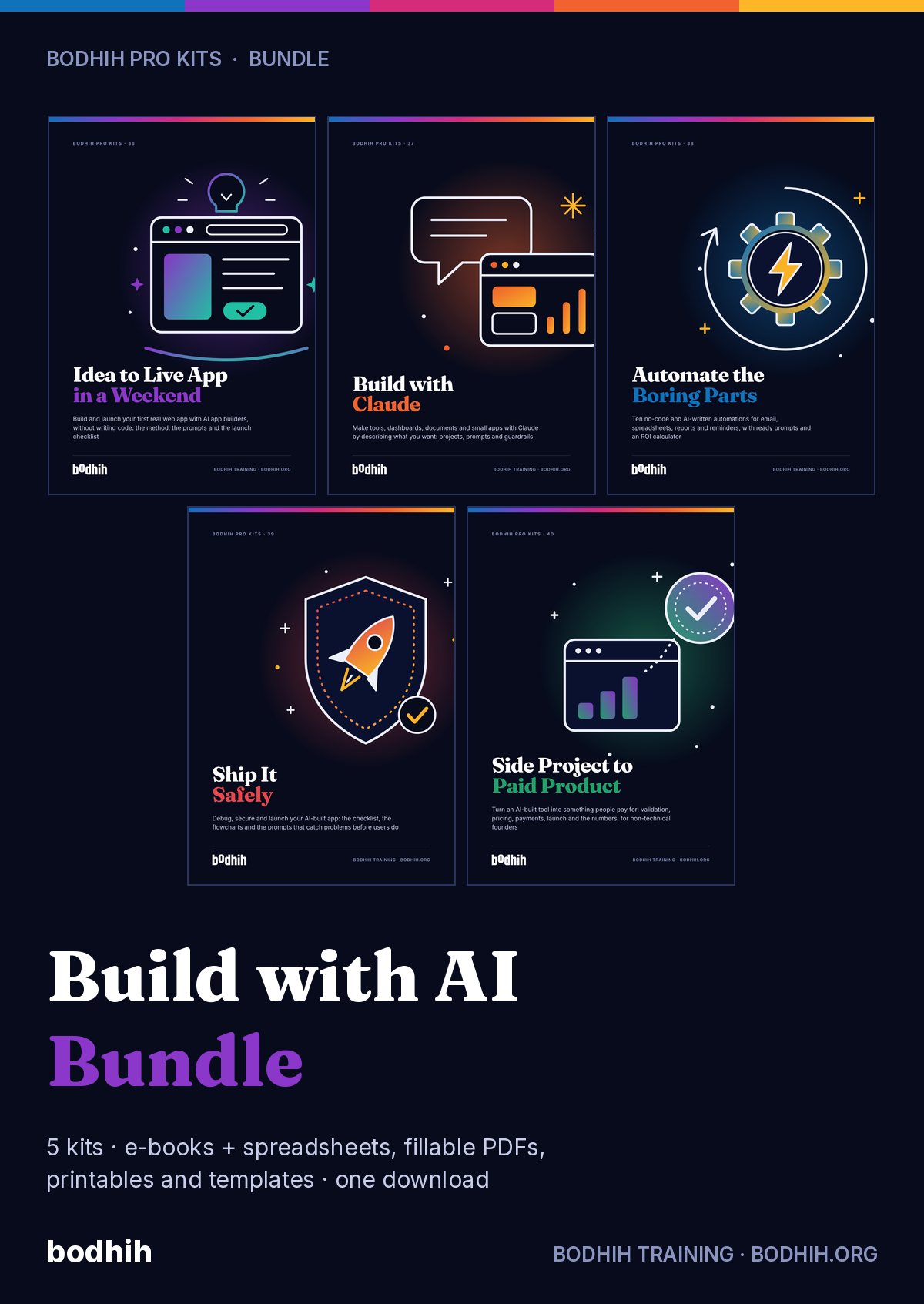
Idea to Live App in a Weekend teaches the part of app building that doesn't change when the tools do: spec, data, login, secrets, deploy, test and backup. Then it hands you the prompts, planner and checklists to do it this weekend.
Idea to Live App in a Weekend · Bodhih Pro Kits · 36 by Bodhih Training, trainers to 2,000+ companies since 2008.
Plan on paper first: a one-page spec, four to six screens and a simple data model. Then use an AI app builder in small checked steps, saving a checkpoint each time. Test access with two accounts and the app with three real users before launch. The Idea to Live App in a Weekend kit from Bodhih Training supplies the method, prompts and checklists.
Want the full free guide first? Read How to Build an App With AI Without Coding: 9 Steps.
You typed one sentence and got a beautiful home page with a pricing table you never asked for. It looks finished. It doesn't do the one thing you needed, and you're not sure what to ask for next.
You asked for four things at once, the login stopped working, and now every 'please fix it' makes things worse while your credits drain away.
The preview never showed it, the builder never warned you, and you only find out when a real customer logs in. Access mistakes like this are among the most common flaws in web apps, and you can check for them in ten minutes.
Every list of the best builders disagrees with the last one, and a new tool launches each month. Meanwhile nothing gets built.
Subscriptions, credits, top-ups, a domain. The bill arrives as a surprise because nobody showed you how the meter runs.
Picture Thursday evening. You have a cup of tea, the Idea Filter Worksheet and three ideas. Twenty minutes later, as you type your scores into the Idea scorecard, one idea ranks first, and it isn't the one you expected. You fill in the One-Page PRD Template and notice how much calmer the whole thing feels once the 'not in version one' list is written down.
On Friday night you paste the first prompt from the Build Prompt Chain. By ten o'clock a waitlist page with your own headline is live, and you send the link to five people. On Saturday you work down the chain one small step at a time. When something breaks, and it will, you don't panic: you count two fix attempts, press restore, and ask in a smaller way. At three o'clock you run the two-account test and catch the hole that would have embarrassed you on Monday.
Imagine Sunday morning. Three people use your app while you sit on your hands and say nothing. You fix the two things that stopped them, tick through the Launch checklist sheet, and watch the dashboard change from 'Not yet' to 'Yes: send the link'. So you send it.
And because you learned the stable layer and not just one tool's buttons, you will find that the next build goes faster, whichever builder you happen to choose next year.
The e-book shows you how. The tools make it happen. Here is exactly what you download.
The guide: methods, worked examples, scripts and exercises
Idea scorecard that ranks your ideas, MoSCoW feature list with build order, data model, screen inventory, bug and change log with rollback prompts, cost tracker in any currency, launch checklist and a live readiness dashboard.
Seven short sections that become your first build prompt, plus a complete worked example for a tutoring booking app.
The exact prompts for the whole weekend in order, each with a two-minute check and a checkpoint, plus five rescue prompts for when things go wrong.
A fifteen-minute script for testing your app with three real people: opening words, task cards, observer sheet, closing questions and a triage rule.
Score up to three app ideas on five filter questions, pressure-test the winner and write its one job.
Printable sheets for sketching up to six screens, plus a screen flow page and the sentence test for your data.
The two-account test, a secrets check and a plain-language privacy note, recorded step by step before any real user signs up.
A printable, tickable run-through for Sunday afternoon: works, safe, clean, honest, recoverable, reachable, then the launch message and first-day log.
Seven stable questions for judging any AI app builder, a thirty-minute test, and a dated sheet placing current tools in families.
Twelve reusable prompt patterns for AI app builders, with the four-line bug report and the phrases that waste credits.
A plain-language glossary of 40 terms a non-coder meets when building an app, grouped by the stable layer.
Twelve rules that keep your builder usage low, a cost map of what burns credits, and a monthly bill review.
Twelve build blocks from Thursday prep to Sunday launch, then fourteen short daily prompts, importable into Google, Outlook or Apple Calendar.
Fifty realistic first-app ideas with user, one job, tables, login need, difficulty from 1 to 5 and the thing to watch out for.
Each chapter opens with a real situation, gives you a method and ends with something to do today, using the tools in your kit.
Why the tools change monthly and the seven-part stable layer doesn't, plus an honest word about 'no code'.
Five filter questions and a scorecard that ranks your ideas by evidence, not excitement.
Seven short sections and MoSCoW sorting that turn a vague wish into your first build prompt.
Sketch four to six screens and write your tables, fields and belongs-to links in plain sentences.
Seven stable questions and a thirty-minute test that pick a builder in two hours.
The six-part first prompt, a page you write yourself, and a live link by ten o'clock.
The build loop: one change, check, checkpoint, and the two-strikes rollback rule that saves your credits.
Authentication, access rules and secrets in plain language, proved with a ten-minute two-account test.
A fifteen-minute test script, the discipline of silence and a triage rule for what to fix before launch.
The difference between publishing and launching, and a six-group checklist to run first.
A thirty-minute weekly loop, cost control and the clear signs it is time to pay for a review.
What you keep when the tools change: the habits of writing first, small steps and checking before trusting.
A dated map of builder families and supporting services, with what to check on the vendor's site.
The whole schedule on one page and six fixes for the moments you get stuck.
Every outcome is practised with a worked example and a tool, not just described.
People who measure before and after improve faster and can show it. AssessAll, our sister assessment platform, has AI-graded assessments that pair with this kit. Take one now, work through the kit, then re-take it.
At 2.15 on Saturday afternoon, Jake's booking app worked. At 2.40 it didn't. In between he had typed one long message asking for a calendar view, email reminders, a dark mode and "also fix the weird spacing". The builder changed fourteen files. The calendar appeared, the login stopped working, and Jake had no idea which of the four requests had done it. He spent the next two hours, and most of his month's credits, typing "it's still broken". Almost everyone who gives up on AI app building gives up here. The fix isn't technical. It's a habit, and it has four parts. One change at a time. Each prompt asks for one thing you can check in under two minutes. "Add a list of this week's sessions for the signed-in tutor." Not three things. One.
| Free templates and typical advice | This kit | |
|---|---|---|
| What it teaches | Button-by-button steps for one tool that are out of date within months | The stable layer under every tool, with tool specifics kept to a dated sheet |
| Planning | A blank feature list | Idea scorecard that ranks, MoSCoW list that calculates build order and warns when scope is too big |
| Prompts | A list of 100 generic prompts | Twelve prompts in build order, each with a two-minute check and a checkpoint |
| Security | Not mentioned, or 'the AI handles it' | A ten-minute two-account test, secrets check and honest limits on what it proves |
| Costs | US dollar assumptions and no tracker | Cost tracker in any currency with monthly figure, first-year total and budget check |
| After launch | Stops at 'publish' | Fourteen daily prompts, a weekly loop and clear signs for calling a developer |
Bodhih Training has designed and delivered corporate programmes since 2008. Bodhih Pro Kits package what works in those workshops into a guide plus the exact tools we use, so you can apply it the same day without a facilitator in the room.
Name, email and country. UPI, card or netbanking in India; international cards everywhere else. No account to create.
Your download page opens at once, with every file and a one-click ZIP. A permanent link lands in your inbox too.
Start with the quick-start chapter, then the main spreadsheet or planner. Most buyers use something from the kit the same day.
As you download the kit, put a real weekend in your calendar. Whether you start with the Idea Filter Worksheet tonight or import the weekend plan and begin on Friday, you'll be building on a method and not on guesswork.
Personal licence for the buyer's own use (and use with your own team or clients where the kit says so). Please don't share or resell the files. Team and company licences: solutions@bodhih.com.
Role-based Applied AI certifications from Bodhih.
Prompts, workflows and guardrails for every professional.
250+ AI-graded assessments to measure skills and earn verified credentials.
Individual development plans that start from evidence and stay yours.
Run this topic as a live workshop for your team, in person or online.
Book a vetted coach for career, leadership or communication. Pay per session.
Certification pathways in Applied AI, Workplace English and management.
No. You will not write code to follow this kit. You will learn enough about data, login and secrets to check what the builder produces, and the kit is honest that some apps need a developer's review before launch.
None in particular. The method and prompts are written to work with any builder, and tools such as Lovable, Bolt, Replit, v0 and Google AI Studio are named only as examples. This is an independent guide, not affiliated with or endorsed by any tool vendor. The App Builder Chooser gives you seven questions and a thirty-minute test to pick your own, and the tool sheet is dated October 2026 because names and features change.
A small one, yes: a waitlist page plus a simple data app with login, such as a booking tracker or client portal, if you do about ninety minutes of preparation first. The kit makes no promise about results. How far you get depends on your idea's size, your builder and how closely you keep to small steps.
Not automatically. AI-built apps often ship with flaws, most commonly pages or data that the wrong person can see. The kit teaches a two-account test and a secrets check that catch the common problems, and says plainly when to pay for a professional review. It is educational content, not a security audit or legal advice.
Plan on paper, think in a general assistant, send one small change per prompt, and roll back after two failed fixes. The Credit-Saving Rules sheet has twelve rules, and the Costs sheet in the workbook shows your monthly figure in your own currency. The kit names no prices because they change.
A PRD is a product requirements document. Yours is one page: problem, users and roles, the one job, three to five must-haves, what is not in version one, the data, and a test for done. Pasted into the builder, it replaces a vague one-line request and usually gets you a much closer first draft.
Three AssessAll assessments fit this kit well: the Task Specification and Prompt Writing Work Sample for Knowledge Workers Using Generative Tools, Product Management Judgment, and the AI Agent Oversight and Delegation Assessment for Knowledge Work. Take one before your build weekend and again a month later to see what has changed.
Building an app is learning by doing, the largest part of the 70-20-10 model. Jobulary's guide to the 70-20-10 model explains how to pair hands-on projects with feedback and study, so your weekend build becomes one step in a longer plan.
Yes. The cost tracker takes any currency symbol, the examples come from Nairobi, Pune, Lagos, Leeds, Dubai, Manila, Melbourne and Ohio, and privacy guidance is written as principles with a reminder to check the rules where your users live.
Digital kits are non-refundable once downloaded, except for corrupted files not fixed within 3 working days, duplicate charges or failed delivery. Write to solutions@bodhih.com and we will sort it out.
₹1,299 including 18% GST for buyers in India, or $34 for buyers outside India. One-time payment, no subscription, with an automatic invoice.
Instantly. Your download page opens the moment payment succeeds, and a permanent download link is emailed to you. Download each file separately or everything in one ZIP.
Any of the usual tools: Excel or Google Sheets for spreadsheets, Word or Google Docs for templates, Adobe Acrobat Reader, Preview, Xodo or GoodNotes for the fillable PDFs, and Google, Outlook or Apple Calendar for the calendar plan.
Because it is a digital download, kits are not refundable once downloaded. We always refund a duplicate charge or a failed delivery, and if a file is corrupted and we cannot fix it within 3 working days. Full terms: bodhih.org/refunds.
Yes. Team and company licences, and workshops on this topic run by Bodhih Training, are available. Write to solutions@bodhih.com or call +91 99000 11601.