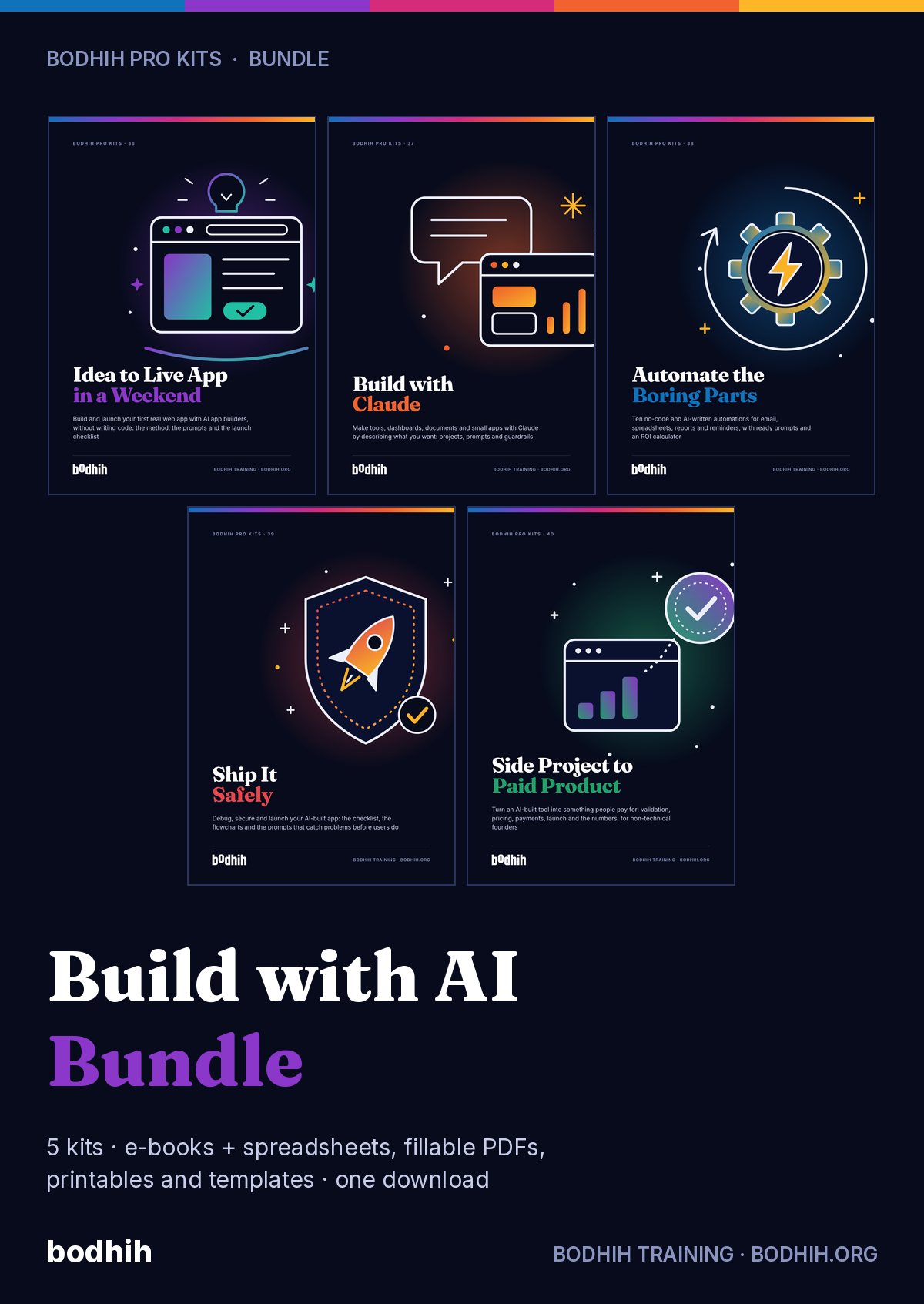
A complete, honest method for professionals and students who have never coded: ten graded projects, the prompts that steer them, and the guardrails that keep your data and your reputation safe. Independent guide, not affiliated with Anthropic.
Build with Claude: The Independent Non-Coder's Kit · Bodhih Pro Kits · 37 by Bodhih Training, trainers to 2,000+ companies since 2008.
Yes, for small tools. Describe the outcome, inputs, outputs and one worked example, ask Claude to build the smallest version, then test and change it one step at a time. Build with Claude: The Non-Coder's Kit from Bodhih Training teaches this method through ten projects, and shows where you need a developer's help.
Want the full free guide first? Read How to Build an App with Claude Without Coding: A Safe Method.
The first version looked impressive. Then one number was wrong, a button did nothing, and every fix broke something else. You weren't sure whether the problem was you, the prompt or the tool.
Where does it live? Can other people use it? Does it save anything? When a colleague asks, you have a screenshot and no answers.
The dashboard needed three columns and you uploaded twenty-two, including customer names. Nothing went wrong, but you would rather not find out the hard way what your company's policy says.
Menus move, features are renamed and plans change monthly. You need the part of the skill that stays the same whichever button they move next.
A tip calculator and a customer booking form look equally easy to build. Only one of them can get you into trouble, and nobody has shown you how to tell which.
Imagine this Thursday evening. You open the Describe-It-First Worksheet and, in ten minutes, write five short boxes about a calculator you've wanted for months. You paste the starter prompt, and because you asked it to, the assistant tells you its assumptions before it builds. One of them is wrong. You correct it in a sentence, and the first version matches your hand-worked example exactly.
By the second week you notice you've stopped asking for five things at once. You make one change, check it, name the good version and move on. When something breaks, you write what you did, what you expected and what happened, and you ask for the cause before the fix. Your Error log starts to show a pattern, and as you read your own dashboard on Friday, you see which habit to change next.
Then comes the moment a colleague says, can I use that? Instead of forwarding a link and hoping, you open the Risk check sheet, answer seven pick-lists and read the verdict. You run your test cases on the shared version, add two lines saying what the tool doesn't handle, and share it with named people. You know where it lives, what it holds and how to take it down.
A month from now, when you look back at ten finished projects in your Build Log, you'll realise the code was never the hard part. Knowing what right looks like was, and that was yours all along. And on the day a project asks for logins or customer data, you'll recognise the border, pick up the Readiness Card and bring a developer a spec they can click.
The e-book shows you how. The tools make it happen. Here is exactly what you download.
The guide: methods, worked examples, scripts and exercises
Track ten projects with time and test pass rates, keep a prompt journal with what-worked ratings, log errors and fixes, score each build for sharing risk, and watch your skill level grow on a live dashboard.
The ten graded projects in full: task, copy-and-adapt starter prompt, five tests to run yourself and four stretch goals each, plus the answer key for the sample dashboard data.
120 copy-and-adapt prompts for building by conversation, sorted into build, change, explain, test and fix, written to work in any mainstream AI assistant.
A fill-in context file to paste into a project's instructions or the top of a fresh chat, so the assistant starts every session knowing who you are, the rules, the current state and the decisions already made.
The five-box one-page spec (outcome, inputs, outputs, worked example, done means) plus a size check and the seven layer questions. Fill it in before every build.
A fillable test plan and sign-off: written test cases with expected answers, a second-source check for numbers, a source-verification table for research, and a before-anyone-uses-it checklist.
A two-minute traffic-light check for any file or text you are about to give an AI assistant, with minimise, mask and fake options and a record that you checked.
A one-page desk reference for the whole method: the seven moves, a prompt for each, the three habits that keep a chat healthy and the signs it is time to start fresh.
Fifteen questions to ask about anything an assistant builds for you, grouped by understand, locate, protect and grow, with what a good answer sounds like.
A dated map of which kind of tool suits which project, how the method's terms map to example products, and six things to look up on the vendor's own pages before you rely on any feature.
A twelve-question scorecard that tells you whether a build still belongs in chat, needs a review, or has outgrown the sandbox, plus what to bring to the person who helps you.
One project every three days for thirty days: 30 evening build sessions and four weekly reviews that drop into Google, Outlook or Apple Calendar with instructions in each event.
120 rows of fictional cafe sales across three branches, with four planted traps (two refunds, a duplicate order, a blank quantity and a totals row) so you can practise the data interview before using real data.
Each chapter opens with a real situation, gives you a method and ends with something to do today, using the tools in your kit.
What building by conversation really is, who this kit is for, and the honest limits.
A clear picture of what the assistant makes, the toy, tool and system sizes, and the seven layers under every build.
The five-box one-page spec that turns vague requests into first attempts that land close.
Describe, show, build, check, change, explain, ship, and how the same rhythm works in ChatGPT, Gemini and Copilot.
How to interview a spreadsheet, state the rules and check the numbers before you ask for a single chart.
Web pages in your own words, document generators that only fill gaps, and research where every source is opened.
The questions that teach you your own code and let you change settings yourself.
Five kinds of test case, bug reports that get fixed, and the quiet failures that don't announce themselves.
A green, amber and red sort for data, three ways to make work data safe enough, and why secrets never enter a chat.
Who can open it, what they can see, what happens if it vanishes, and when a human review is non-negotiable.
Written project instructions, safe first agent tasks, and how to move to a coding agent with help.
Why your judgement, not your prompt, is the part that makes a build trustworthy.
All ten graded projects with size, main skill and typical time.
A dated map of example products and the six things to look up for any tool.
Every outcome is practised with a worked example and a tool, not just described.
People who measure before and after improve faster and can show it. AssessAll, our sister assessment platform, has AI-graded assessments that pair with this kit. Take one now, work through the kit, then re-take it.
When you ask for five changes in one message, the assistant rewrites a large part of the code in one go. If something breaks, neither of you knows which change did it. When you ask for one, check it, and then ask for the next, a break has exactly one suspect. It feels slower. It is much faster. Two more habits keep the conversation healthy. Name the good version. When something works, say so: "This version is good. Call it version 3." If a later change makes a mess, you can say "go back to version 3 and try a different approach". Most assistants keep earlier versions of what they built, and where they don't, you can ask for the full code of the good version and save it in a text file.
| Free templates and typical advice | This kit | |
|---|---|---|
| Method | A list of prompts to copy, with no explanation of why they work | A seven-move build conversation and a five-box spec you can use with any assistant |
| Practice | One demo you watch someone else do | Ten graded projects with starter prompts, tests, stretch goals and an answer key |
| Checking | 'Looks good' and a screenshot | Written test cases, a second-source number check and source verification for research |
| Safety | Not mentioned, or one line about being careful | Privacy check before pasting, seven-layer pre-share run-through and a risk scorer with verdicts |
| Honesty | 'Build any app with zero coding' | Clear about where chat-built tools stop and where a developer must be involved |
| Shelf life | Screenshots of menus that have since moved | Stable skills in the chapters; tool specifics in a dated sheet you can re-date yourself |
| Tracking | A blank log with no formulas | A workbook with sample rows, pass rates, skill levels, error patterns and live dashboards |
Bodhih Training has designed and delivered corporate programmes since 2008. Bodhih Pro Kits package what works in those workshops into a guide plus the exact tools we use, so you can apply it the same day without a facilitator in the room.
Name, email and country. UPI, card or netbanking in India; international cards everywhere else. No account to create.
Your download page opens at once, with every file and a one-click ZIP. A permanent link lands in your inbox too.
Start with the quick-start chapter, then the main spreadsheet or planner. Most buyers use something from the kit the same day.
You already know what right looks like in your own work, and that is the part no assistant can supply. Whether you begin with the worksheet this evening or import the calendar and start on Monday, open Project 1, describe it first, and watch your own tool appear.
Personal licence for the buyer's own use (and use with your own team or clients where the kit says so). Please don't share or resell the files. Team and company licences: solutions@bodhih.com.
Role-based Applied AI certifications from Bodhih.
Prompts, workflows and guardrails for every professional.
250+ AI-graded assessments to measure skills and earn verified credentials.
Individual development plans that start from evidence and stay yours.
Run this topic as a live workshop for your team, in person or online.
Book a vetted coach for career, leadership or communication. Pay per session.
Certification pathways in Applied AI, Workplace English and management.
For small tools, yes. Calculators, quizzes, dashboards from a file, simple web pages, document generators and small trackers can be built by describing them and checking the result. Anything with logins, payments or stored personal data needs someone who codes, and the kit shows you exactly where that line is.
The method and most projects work with any assistant that can build and preview a page. Some capabilities, such as saving shared data or running an agent on your files, depend on the vendor's plan and change over time. The dated Tool Sheet lists what to look up on the vendor's own pages; we make no promises about features or prices.
No. It is an independent guide written by Bodhih Training. It is not affiliated with, sponsored by or endorsed by Anthropic, and it names products only as examples.
Yes. The five-box spec, the seven moves, the testing habits and the privacy check are tool-agnostic. Chapter 3 and the Tool Sheet show how the terms map across assistants, and the prompts are written to work anywhere.
Describe the outcome, list each input and output, include one example you worked by hand, and state what 'done' means. Then ask the assistant to list its assumptions before building. The Describe-It-First Worksheet walks you through it in about ten minutes.
It depends on what it holds and who can open it. AI-built apps often contain flaws that don't show on screen, so the kit teaches a seven-layer check and includes a Risk check sheet that gives each build a verdict. Tools with personal, financial or confidential data should be reviewed by a developer first. This is practical guidance, not a security audit or legal advice.
Passwords, keys, one-time codes, card or bank details, government ID numbers, medical records and information about children. Real work data should be minimised, masked or replaced with sample data, and your employer's policy comes first. The Privacy Check Before You Paste form covers this in two minutes.
If you want an independent read on your skills before or after the 30 days, AssessAll offers three relevant assessments: Task Specification and Prompt Writing Work Sample for Knowledge Workers Using Generative Tools, Everyday AI Judgment at Work, and AI Draft Supervision: Reviewing What the Machine Wrote. Inside the kit, the Skills sheet gives you a self-rated level and progress percentage.
Building projects is learning by doing, which is the largest part of the 70-20-10 model. Jobulary's guide, Learn by doing: the 70-20-10 model explained, shows how to combine practice, feedback from others and study, and your Build Log gives you the evidence to bring to a manager or mentor.
The calendar plan runs for 30 days at roughly 45 minutes per session, and the first project is designed to be built on day one. Digital kits are non-refundable once downloaded, except for corrupted files not fixed within 3 working days, duplicate charges or failed delivery.
₹999 including 18% GST for buyers in India, or $29 for buyers outside India. One-time payment, no subscription, with an automatic invoice.
Instantly. Your download page opens the moment payment succeeds, and a permanent download link is emailed to you. Download each file separately or everything in one ZIP.
Any of the usual tools: Excel or Google Sheets for spreadsheets, Word or Google Docs for templates, Adobe Acrobat Reader, Preview, Xodo or GoodNotes for the fillable PDFs, and Google, Outlook or Apple Calendar for the calendar plan.
Because it is a digital download, kits are not refundable once downloaded. We always refund a duplicate charge or a failed delivery, and if a file is corrupted and we cannot fix it within 3 working days. Full terms: bodhih.org/refunds.
Yes. Team and company licences, and workshops on this topic run by Bodhih Training, are available. Write to solutions@bodhih.com or call +91 99000 11601.