Hand over the right work, brief it properly and see your team's load on one screen
The Delegation and Workload Planner is a complete working system for first-time and early managers: a seven-step hand-over loop, with a file for every step from your own task audit to holiday cover. Open the ZIP and run the whole job with nothing else.
- A 10-chapter e-book that teaches the hand-over loop: audit, match, level, brief, follow up, receive, balance
- A 13-sheet Delegation and Capacity Workbook: task audit, delegation register, capacity planner, heat map, skills matrix, cross-training, leave cover, intake log, successors and dashboard
- Five fillable PDF forms and seven Word templates, including 48 delegation scripts, 18 scripts for saying no, 8 standard briefs and 28 AI prompts
- A Start Here Map, four cheat sheets (three fit on one page), a worked example for one team, a six-week calendar sprint and a 32-card board import
The Delegation and Workload Planner · Bodhih Pro Kits · 74 by Bodhih Training, trainers to 2,000+ companies since 2008.
How do I delegate effectively as a manager without micromanaging?
List your own tasks and sort them into do, delegate, defer and drop. Match each delegated task to a person with capacity, agree a level of authority, brief it in six written parts, then check in at a rhythm set by risk. The Delegation and Workload Planner from Bodhih Training gives you the method and every form.
Want the full free guide first? Read How to Delegate Tasks Effectively as a New Manager.
You already feel the problem. Here is what it is costing you.
It is quicker to do it yourself
It is, today. The same twenty minutes comes back every week, and explaining it once would have cost forty. The task audit shows the hours in black and white, and the calculator shows when the training time pays back.
Delegated work comes back wrong
Often the brief was a sentence in a corridor. A six-part written brief and a playback question close the gap between what you meant and what they heard.
You either hover or vanish
Checking every day annoys people, and staying away for three weeks produces surprises. A rhythm set by risk and agreed in the brief replaces both habits.
Your most reliable person is drowning
New work goes to whoever never complains. A capacity planner in hours and a heat map show who is over the ceiling and who has room before you hand anything over.
One person on leave stops the work
Only one colleague knows how to do it, and they are on a beach. The skills matrix counts capable people per critical task, and the cover planner flags clashes before the leave is approved.
Every new request is a yes
Overload arrives politely, one reasonable ask at a time. The intake log and the trade-off scripts turn 'yes' into 'yes, and here is what moves'.
Picture the next few weeks with the kit open beside you.
Imagine a Friday afternoon about six weeks from now. You open the Dashboard sheet for your fifteen-minute review. It shows the hours your task audit has freed, the delegations that are open, and a zero next to Waiting on me.
As you fill in the Task audit sheet for the first time, you may notice how few rows truly need you. And when you write your first Delegation Brief and reach the box called Done means, you find out whether you were ready to hand the task over or only ready to hope. That one box is where a lot of rework is prevented.
Picture the next time a senior colleague drops a new request on the team. You glance at the heat map, see who is in the red, and reply with a trade: here is the load, here are two things that could move, which would you prefer? The request goes into the intake log with a line saying what gave way.
You already know that your job is no longer to finish everything yourself. You already suspect that your team could carry more if the hand-overs were cleaner. The kit gives that instinct a structure, so that you can start with one task this week, whether you begin with the audit tonight or the brief tomorrow morning.
22 files that do the work for you
The e-book shows you how. The tools make it happen. Here is exactly what you download.
The Delegation and Workload Planner (e-book, PDF)
The guide: methods, worked examples, scripts and exercises
Start Here Map
The whole job on two pages: the hand-over loop, which file to open at each step, your first hour and a 30/60/90 day plan.
Delegation and Capacity Workbook
The engine of the kit: task audit, delegation register, capacity planner, heat map, skills matrix, cross-training, leave cover, intake log, successors and a live dashboard.
What Is My Time Worth Calculator
A small calculator that turns each delegated task into hours back, a weekly saving and a break-even point for the training time, in any currency.
Delegation Brief
The six-part brief on one page, plus a conversation page with the playback and first check-in.
Task-to-Person Match Sheet
Two pages: score up to four candidates on skill, will, development value and capacity, then write the offer and run a fairness check.
Check-in and Handback Review
Page one runs a ten-minute check-in on four questions; page two reviews finished work against the brief and sets the next level.
Workload Conversation Sheet
A structured one-to-one for anyone flagged Over for two weeks running: what is on the plate in hours, what can move, and what happens by Friday.
Cover and Handover Note
Filled in by the person going on leave: work in progress, what falls due, where things are, and what the cover person may decide alone.
Delegation Script Library
48 scripts and messages for asking, briefing, following up, handing back and pushing back, in plain words you can adapt.
Saying No to New Work: scripts for boss, peers and customers
18 scripts for declining, trading and negotiating new requests without damaging the relationship.
Levels of Authority Agreement
A one-page team agreement: the five levels in your words, standing levels for recurring work, and the guardrails that always come back to the manager.
Team Capacity Update for My Boss
A ready-to-send one-page note: load by person, what is at risk, what you have already done, and the one decision you need.
Standard Briefs for 8 Common Tasks
Eight ready-to-edit six-part briefs for tasks most teams hand over: reports, meeting prep, complaints, onboarding, supplier comparisons, process guides, events and data clean-ups.
Worked Example Pack: one team, the whole loop
The main forms shown completely filled in for one realistic composite case, so you can see what good looks like before you write your own.
AI Prompt Pack: 28 prompts for the hand-over loop
28 tool-agnostic prompts grouped by step of the loop, each with what to paste in and what to check before you use the output.
Delegate or Do? Decision Card
One-page if-this-then-that card for deciding what to keep, hand over, defer or drop, and what to do when a new task arrives.
The Five Levels of Authority
One-page wall reference: the five levels, how to choose one, guardrails and how levels move.
Follow-Up Without Micromanaging
Two-page reference: risk scoring, check-in rhythm, the four questions, phrases that help or hurt, and handling tasks that come back.
Eight Delegation Mistakes
One-page mistakes-to-avoid card: eight common ways delegation fails, how to spot each and the fix.
Six-Week Delegation Sprint
28 short calendar sessions over six weeks that walk you through the whole loop, from task audit to review.
Delegation Board Import
32 ready-made cards for the six-week sprint, to import into Trello, Asana, Notion, Planner or Jira.
Chapter by chapter
Each chapter opens with a real situation, gives you a method and ends with something to do today, using the tools in your kit.
- Format
- PDF e-book + 2 XLSX + 5 fillable PDF + 7 DOCX + 5 PDF cheat sheets + ICS + CSV
- Files
- 22 files plus a one-click ZIP
- E-book
- 59 pages
- Works with
- Excel, Google Sheets, Word, Google Docs, Adobe Acrobat or any PDF reader, Google Calendar, Outlook, Apple Calendar, Trello, Asana, Notion, Planner, Jira
- Best for
- First-time and early managers, team leads, supervisors and founders with teams of 3 to 15
- Time to first use
- About one hour with the Start Here Map
You Are Not the Team's Spare Pair of Hands
Why the job changed when you were promoted, and the seven-step hand-over loop the whole kit runs on.
The Task Audit: Do, Delegate, Defer, Drop
Sort your own work with two questions, and see the hours each decision frees.
Why You Hold On
The six reasons managers keep work, and a three-task experiment that turns each fear into an early check.
Matching Task to Person
Choose the right person on skill, will, development value and capacity, and make the hand-over an offer.
The Five Levels of Authority
Agree how much is theirs to decide, from 'look into it' to 'own it', with one guardrail sentence.
The Six-Part Brief
Outcome, context, constraints, authority, check-ins and done means, written down and played back.
Follow Up Without Micromanaging
Set the check-in rhythm from risk, use the ten percent check, and stop tasks climbing back onto your desk.
Receiving Work Back
Review against the brief, give specific feedback, raise the level, and delegate upward and sideways.
Capacity in Hours and Points
Plan on plannable hours, read the heat map, handle overload and say no to new work with a trade.
Cover, Single Points of Failure and Cross-Training
Find single points of failure with a skills matrix, plan cover, cross-train and grow successors.
Delegating to AI Tools
Apply the same loop to AI assistants: suitable tasks, a low level of authority and review by a named person.
Six Weeks From Now
A six-week sprint, the dip to expect, and where to spend the hours you free.
Which File for Which Moment
A table that maps each moment in the job to the file that handles it.
Not just reading. Tools you will actually open again.
E-book
- The Delegation and Workload Planner: Introduction, 10 chapters, Conclusion and a file-finder appendix, with six illustrations
Start here
- 00 Start Here Map: the loop, which file to open at each step, your first hour and a 30/60/90 day plan
Spreadsheets
- Delegation and Capacity Workbook (13 sheets): Start here, Settings, Team, Task audit, Delegation register, Capacity planner, Heat map, Skills matrix, Cross-training plan, Leave and cover, Intake log, Successors, Dashboard
- What Is My Time Worth Calculator: hours back, weekly saving and break-even weeks for each task, in any currency
Fillable PDF forms
- Delegation Brief: the six parts plus the briefing conversation
- Task-to-Person Match Sheet: score candidates on skill, will, development and capacity
- Check-in and Handback Review: four-question check-in and a review against the brief
- Workload Conversation Sheet: for anyone over the load ceiling
- Cover and Handover Note: for leave and absences
Word templates
- Delegation Script Library: 48 scripts for asking, briefing, following up, handing back and pushing back
- Saying No to New Work: 18 scripts for boss, peers and customers
- Levels of Authority Agreement: a one-page team agreement
- Team Capacity Update for My Boss: a ready-to-send one-page note
- Standard Briefs for 8 Common Tasks: ready-to-edit six-part briefs
- Worked Example Pack: the forms filled in for one composite team
- AI Prompt Pack: 28 prompts with what to paste in and what to check
Cheat sheets
- Delegate or Do? Decision Card
- The Five Levels of Authority
- Follow-Up Without Micromanaging
- Eight Delegation Mistakes
Calendar and import
- Six-Week Delegation Sprint: 28 calendar sessions (ICS)
- Delegation Board Import: 32 cards for Trello, Asana, Notion, Planner or Jira (CSV)
When you have worked through it, you will be able to…
Every outcome is practised with a worked example and a tool, not just described.
- Audit your own tasks and sort them into do, delegate, defer and drop, with the hours each choice frees
- Match a task to a person on skill, will, development value and capacity instead of defaulting to the most reliable name
- Agree a level of authority from 1 to 5 with a one-sentence guardrail
- Write a six-part brief in about ten minutes and check it has landed with a playback
- Set a follow-up rhythm from risk and keep the next move with the owner when a task tries to come back
- Review finished work against the brief and give feedback in situation, behaviour, impact form
- See team load in hours for six weeks ahead and respond to new requests with a trade
- Find single points of failure, plan cover and cross-training, and name successors for your own responsibilities
Know your starting point. Prove your progress.
People who measure before and after improve faster and can show it. AssessAll, our sister assessment platform, has AI-graded assessments that pair with this kit. Take one now, work through the kit, then re-take it.
Delegation & Empowerment
Take the assessment →AssessAll assessmentTask Briefing and Delegation Clarity Assessment for Managers and Team Leads
Take the assessment →AssessAll assessmentBudget & Resource Allocation Reasoning
Take the assessment →JobularyLearn by doing: the 70-20-10 model explained (Jobulary)
Make it a growth plan →A taste of Chapter 2
Here is the distinction that makes letting go safer. Responsibility for doing the work moves to the other person. Accountability for the outcome stays with you. If Dev's reconciliation is wrong, Sarah still answers to the finance director. That is not a reason to keep the task. It is a reason to brief well and check at the right moments, which Chapters 5 and 6 cover. Holding on has costs that do not show up on any report. The team learns that hard work goes to the boss, so they stop reaching for it. Your best people get bored. Everything queues behind you, so the team's speed becomes your speed. And you become a single point of failure, which Chapter 9 will ask you to count.
The honest comparison
| Free templates and typical advice | This kit | |
|---|---|---|
| Method | A blank delegation tracker or a list of tips | A seven-step loop taught in ten chapters, with a file for every step |
| Workload | A task list with no view of capacity | Plannable hours, load percentages, flags and a six-week heat map driven by a Settings sheet |
| Words to say | Generic advice to 'communicate clearly' | 66 scripts and messages, 8 standard briefs and a ready-to-send capacity update |
| Resilience | Not covered | Skills matrix with single-point-of-failure flags, cross-training plan, leave and cover planner with clash warnings |
| What good looks like | Empty templates | Sample rows in every working sheet and a worked example pack for one composite team |
| Where it works | Often assumes one country's working week | Hours, overhead and thresholds are settings you change; currency-neutral calculator |
Made for you if…
- First-time managers and team leads who were promoted for doing the work and still do too much of it
- Supervisors in retail, healthcare, operations and the public sector who plan rotas and cover
- Team leads in IT services, shared services and global capability centres juggling requests from several directions
- Founders with a small team who are the bottleneck for every decision
- Experienced managers whose best person is overloaded while others have room
- HR and learning teams looking for a practical delegation toolkit for a new-manager programme (team licence by email)
Probably not for you if…
- Managers looking for in-depth scripts for disciplinary or hard feedback conversations: Bodhih's Difficult Conversations Kit covers those
- Anyone who needs legal or HR advice on working time, leave or performance management: that depends on your country, contract and company policy
- Teams that want project scheduling software: this is a planning workbook and a method, not an app
Built by trainers, tested in real rooms.
Bodhih Training has designed and delivered corporate programmes since 2008. Bodhih Pro Kits package what works in those workshops into a guide plus the exact tools we use, so you can apply it the same day without a facilitator in the room.
From here to using it in three steps
- STEP 1
Tap Get the kit
Name, email and country. UPI, card or netbanking in India; international cards everywhere else. No account to create.
- STEP 2
Download instantly
Your download page opens at once, with every file and a one-click ZIP. A permanent link lands in your inbox too.
- STEP 3
Open the first tool
Start with the quick-start chapter, then the main spreadsheet or planner. Most buyers use something from the kit the same day.
Start with one task this week
Open the Start Here Map, list five of your own tasks and write one brief. Whether you begin with the audit tonight or the capacity planner on Monday, the rest of the loop is in the folder when you are ready for it.
Personal licence for the buyer's own use (and use with your own team or clients where the kit says so). Please don't share or resell the files. Team and company licences: solutions@bodhih.com.
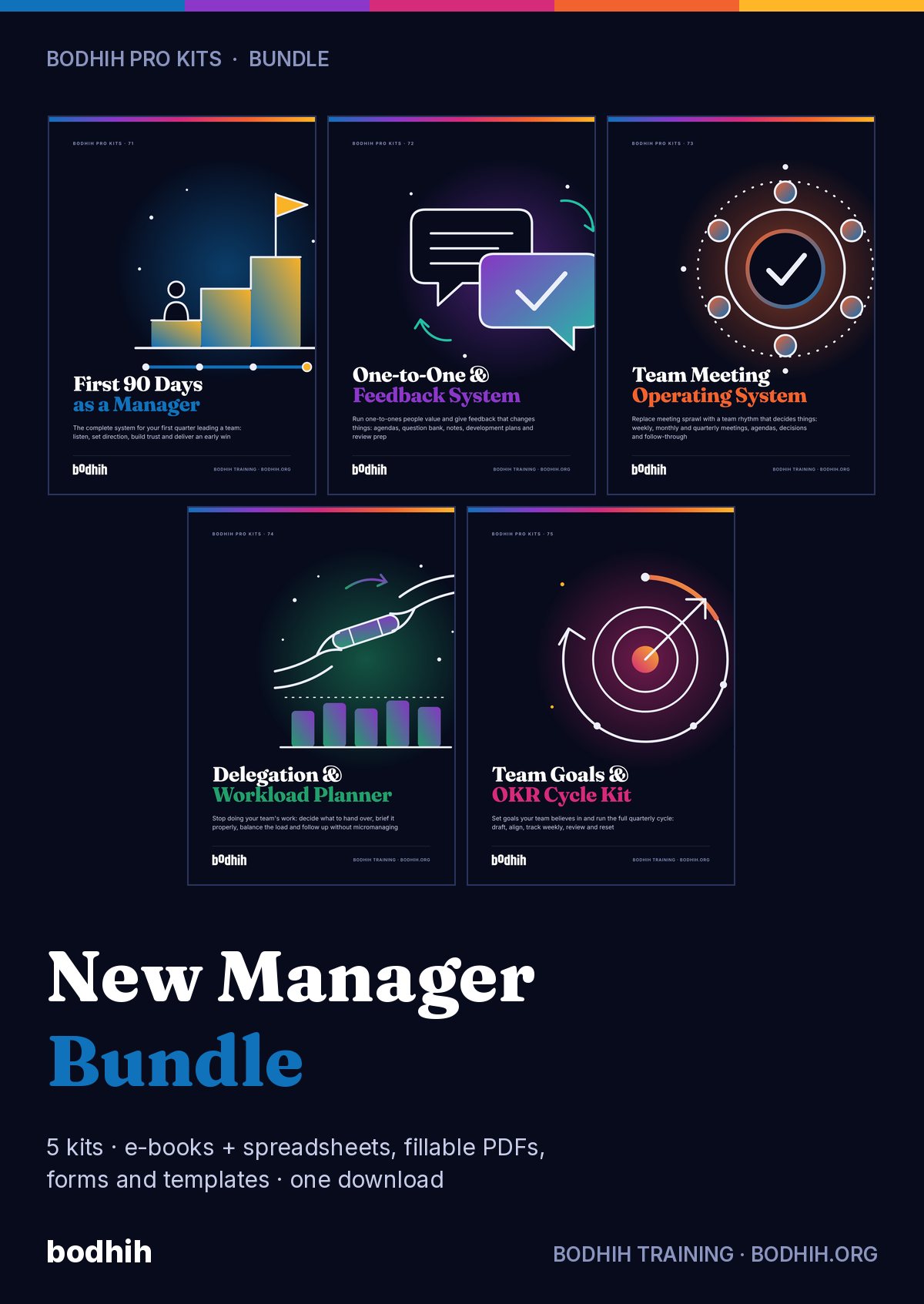
The Bodhih family, when you are ready for more
New Manager, Day One (e-book)
The companion read for first-time managers.
Difficult Conversations Kit
Scripts and planners for the hard conversations.
AssessAll
250+ AI-graded assessments to measure skills and earn verified credentials.
Jobulary
Individual development plans that start from evidence and stay yours.
Bodhih Training
Run this topic as a live workshop for your team, in person or online.
Pewple
Book a vetted coach for career, leadership or communication. Pay per session.
Bodhih.org pathways
Certification pathways in Applied AI, Workplace English and management.
The Delegation and Workload Planner: FAQs
Read the free guideAlready bought? Resend my linkWhat exactly is in the kit?
A 10-chapter e-book and 21 tools: a Start Here Map, two Excel workbooks, five fillable PDF forms, seven Word templates, four cheat sheets, a calendar file and a CSV board import. Every file is named in the What's inside section above.
How do I decide what to delegate?
List your recurring tasks and ask two questions of each: does it need me specifically, and what is it worth? High value work that does not need you is delegated, low value work is dropped or deferred, and decisions about people's pay, performance or jobs stay with you. The Task audit sheet does the sorting and totals the hours freed.
How do I follow up on delegated work without micromanaging?
Agree the check-ins in the brief, set how often from the risk of the task, look at the result and not the method, and leave the next move with the owner. The kit includes a risk-scoring rule, a four-question check-in and a one-page reference card.
Will the workbook open in Google Sheets?
Yes. Both workbooks use standard formulas with no macros and open in Excel or Google Sheets. Conditional colours and drop-down lists carry over. The Word templates open in Word or Google Docs, and the forms are fillable in Acrobat and most PDF readers.
Does it work outside one country or for part-time and shift teams?
Contracted hours, overhead share, load ceiling and other thresholds are settings you change, and each person can have their own hours. The kit teaches good practice only. Working time, leave and performance rules differ by country and employer, so check your HR team, company policy and local law.
How can I measure my starting point as a delegator?
AssessAll offers a Delegation & Empowerment assessment and a Task Briefing and Delegation Clarity Assessment for Managers and Team Leads, with Budget & Resource Allocation Reasoning for the planning side. They are separate products at assessall.com and pair well with the task audit in week one.
How do I turn this into a development plan for myself or my team?
The Skills matrix, Cross-training plan and Successors sheets give you the raw material. Jobulary's article on the 70-20-10 model explains why most of that development should come from real tasks with support, which is what delegation provides.
Can I use the templates with my team?
Yes. The licence covers your own use and use with your own team: share the brief, the agreement and the forms with the people you manage. Please do not pass the files to other managers or resell them. Team and company licences are available from solutions@bodhih.com.
Does it cover delegating to AI tools?
Chapter 10 applies the same loop to AI assistants, and the AI Prompt Pack has 28 tool-agnostic prompts. It teaches principles and review habits, not tool features, and asks you to follow your employer's AI and data policy.
What is the refund policy?
Digital kits are non-refundable once downloaded, except for corrupted files that are not fixed within 3 working days, duplicate charges or failed delivery.
How much does The Delegation and Workload Planner cost?
₹999 including 18% GST for buyers in India, or $29 for buyers outside India. One-time payment, no subscription, with an automatic invoice.
How do I get the files after paying?
Instantly. Your download page opens the moment payment succeeds, and a permanent download link is emailed to you. Download each file separately or everything in one ZIP.
What software do I need?
Any of the usual tools: Excel or Google Sheets for spreadsheets, Word or Google Docs for templates, Adobe Acrobat Reader, Preview, Xodo or GoodNotes for the fillable PDFs, and Google, Outlook or Apple Calendar for the calendar plan.
Can I get a refund?
Because it is a digital download, kits are not refundable once downloaded. We always refund a duplicate charge or a failed delivery, and if a file is corrupted and we cannot fix it within 3 working days. Full terms: bodhih.org/refunds.
Can my company buy this for a team?
Yes. Team and company licences, and workshops on this topic run by Bodhih Training, are available. Write to solutions@bodhih.com or call +91 99000 11601.