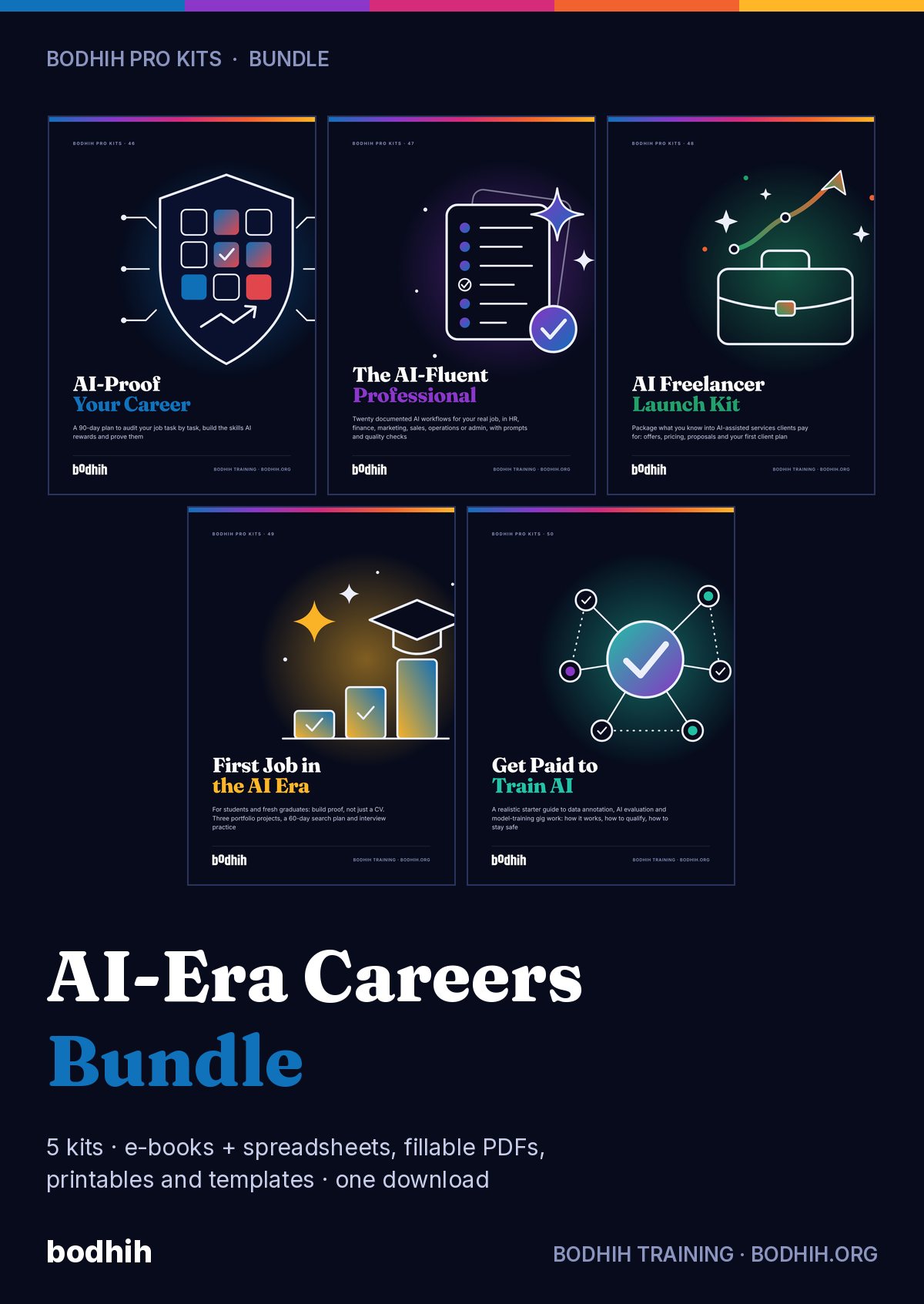
A practical e-book and 13 working tools for professionals in HR, finance, marketing, sales, operations, admin and customer support. Any AI assistant, any country, about two hours a week for eight weeks.
The AI-Fluent Professional · Bodhih Pro Kits · 47 by Bodhih Training, trainers to 2,000+ companies since 2008.
Choose frequent tasks you can check quickly, document each one on a workflow card (trigger, inputs, prompt, check, output, risk), verify every output before it leaves your desk, keep confidential data out, and record the time you really save. The AI-Fluent Professional kit from Bodhih Training gives you the method, 150 prompts and the register to do it in eight weeks.
Want the full free guide first? Read How to Use AI at Work: Build Repeatable, Checked Workflows.
The good prompt is somewhere in a chat history from January. When your manager asks how you use AI in your role, you say 'quite a lot' and then struggle for an example.
It reads beautifully, and that is the problem. An invented figure looks exactly like a real one, and you have no fixed routine for catching it.
Nobody has told you which tools are approved or which data must stay out. So you either avoid useful work or take quiet risks, and neither feels good.
You suspect the saving is real, but you have never timed it, and you have never subtracted the minutes spent checking and fixing. So you cannot put it in an appraisal.
Imagine next Friday afternoon. You open the Task picker, type in twelve things you did this fortnight, and rate each one. As you fill in the last score, the sheet ranks them and quietly marks two as 'Not yet'. For the first time you can see which tasks deserve a workflow and which were never good candidates.
Now picture week three. A summary comes back from your assistant and it looks perfect. Because your workflow card says rung three, you re-add the totals before you send it, and one of them is out by eight. You fix it in two minutes, log the near-miss, and add one line to the prompt. You notice that checking has stopped feeling like doubt and started feeling like a routine.
By week six you are showing one card to your team: the trigger, the prompt, the check, and the honest numbers. Fifty minutes down to twenty-four, including checks. A colleague asks for a copy. You send the card, not a pep talk.
And when your manager asks how you are using AI in your role, you answer in forty seconds, with a number, a safeguard and a lesson learned. Whether you begin with the task picker tonight or the first workflow card on Monday, that answer starts with one page.
The e-book shows you how. The tools make it happen. Here is exactly what you download.
The guide: methods, worked examples, scripts and exercises
Task picker that ranks your tasks, workflow register with honest time-saved maths, prompt library, quality incidents log, adoption tracker, 140-idea bank and live dashboards.
A blank six-field workflow card plus twelve fully worked cards across HR, finance, marketing, sales, operations and customer support, each with its prompt.
25 reusable prompts each for HR, finance, marketing, sales, operations and admin, and customer support, all with a built-in check instruction.
An editable one-page guideline your team can adapt together: approved tools, data classes, encouraged tasks, sign-off, verification, disclosure and incidents.
A fill-in record of your workflows, checks, measured savings and lessons, with CV lines and an interview answer frame.
Fillable worksheet that takes one task from 'I sometimes use AI for this' to a complete six-field workflow card.
Fillable checklist for reviewing an AI draft: the seven hiding places for errors, the five rungs and a sign-off line.
A one-minute fillable check: which tool, which data class, and how to get the same help with less data.
Desk card showing the five parts of a reusable prompt with examples, a fill-in frame and fixes for weak output.
One-page card: five rungs of checking, which outputs need which rung, and the seven places errors hide.
Traffic-light desk card for data classes, the red list, four ways to minimise data and what to do after a mistake.
All 150 role prompts as a CSV with ID, role, task type, tags and version columns, ready to import into Notion or any database.
24 short sessions over eight weeks, three a week, each telling you which tool to open and what to finish.
Each chapter opens with a real situation, gives you a method and ends with something to do today, using the tools in your kit.
Why trying AI tools is not the same as being good with them, and what you will have built in eight weeks.
What the major workforce reports really say, read carefully, and the five behaviours managers look for.
A five-question task picker that ranks your own tasks and tells you which to leave alone.
Six fields on one page (trigger, inputs, prompt, check, output, risk) that make a task repeatable by anyone.
The five-part prompt anatomy and a versioned library you can find things in.
The five-rung verification ladder and the seven places AI errors hide.
Three questions before you paste, traffic-light data classes and how to ask when there is no policy.
An honest formula that subtracts prompting, checking and fixing, and when to retire a workflow.
A ten-minute show and tell, a one-page guideline and an adoption tracker that does not police people.
Turning your register into appraisal evidence, CV lines and a forty-second interview answer.
The whole method on one page and the first step to take.
Starting ideas for HR, finance, marketing, sales, operations and admin, customer support, plus universal ones.
The week-by-week plan at a glance and every report cited in the book.
Every outcome is practised with a worked example and a tool, not just described.
People who measure before and after improve faster and can show it. AssessAll, our sister assessment platform, has AI-graded assessments that pair with this kit. Take one now, work through the kit, then re-take it.
Ahmed is a financial analyst at a property group in Dubai. In February he asked an assistant to summarise a 60-page lender's report and pull out the covenant ratios. The summary was crisp. The ratios were in a neat table. One of them, the interest cover figure, was a number that appeared nowhere in the report. The assistant had not misread a page. It had produced a plausible value where it couldn't find one. Ahmed caught it only because the figure looked slightly too comfortable, and he went back to page 41. He said afterwards that the frightening part was not the error. It was how good the table looked. Generative assistants produce fluent text by predicting what is likely to come next. Most of the time, likely and true coincide. Sometimes they don't, and the output gives you no visual clue which is which. The made-up figure wears the same font as the real ones.
| Free templates and typical advice | This kit | |
|---|---|---|
| Prompts | A list of 500 one-line prompts with no context and no checking | 150 role prompts in five parts, each ending with a check instruction that makes verification faster |
| Method | Tips and tool lists that date in a month | A tool-agnostic method: task picker, workflow card, verification ladder, data traffic lights |
| Accuracy | A line saying 'always double-check' | Five defined rungs, seven hiding places, a fillable checklist and an incidents log |
| Time saved | Claims of '10x productivity' | A register that subtracts prompting, checking and fixing time and lets you retire what does not pay |
| Data and policy | Rarely mentioned | A confidentiality check, a red list and an editable team guideline, with your company's policy first |
| Career evidence | 'Add AI to your CV' | An evidence pack with workflow stories, measured results and honest CV lines, with no job promises |
Bodhih Training has designed and delivered corporate programmes since 2008. Bodhih Pro Kits package what works in those workshops into a guide plus the exact tools we use, so you can apply it the same day without a facilitator in the room.
Name, email and country. UPI, card or netbanking in India; international cards everywhere else. No account to create.
Your download page opens at once, with every file and a one-click ZIP. A permanent link lands in your inbox too.
Start with the quick-start chapter, then the main spreadsheet or planner. Most buyers use something from the kit the same day.
You already use AI. As you write your first workflow card, you will notice how much of the skill you already have, and how little of it was written down. Whether you start with the task picker tonight or the calendar plan on Monday, start with one task you can check.
Personal licence for the buyer's own use (and use with your own team or clients where the kit says so). Please don't share or resell the files. Team and company licences: solutions@bodhih.com.
CVs, interviews and remote jobs worldwide.
Role-based Applied AI certifications from Bodhih.
250+ AI-graded assessments to measure skills and earn verified credentials.
Individual development plans that start from evidence and stay yours.
Run this topic as a live workshop for your team, in person or online.
Book a vetted coach for career, leadership or communication. Pay per session.
Certification pathways in Applied AI, Workplace English and management.
Any general AI assistant. The method and all 150 prompts are tool-agnostic and work with ChatGPT, Gemini, Claude, Copilot or the assistant your company has approved. We name tools only as examples and make no claims about their features or prices, which change often.
You don't need to code. Fluency at work comes down to five behaviours: choosing suitable tasks, briefing clearly, verifying output, protecting data and keeping evidence. The kit teaches each one with worked examples and gives you the templates to practise on your own tasks.
No one can promise that, and we don't. Employer surveys such as the World Economic Forum's Future of Jobs Report 2025 show rising demand for AI skills, but those are employers' expectations, not guarantees. What the kit gives you is a real record of how you work, which is more useful to a decision-maker than a claim.
Use the verification ladder: read it properly, check every figure, name, date and quote against your source, recalculate numbers, confirm outside facts at the original source, and get a named person to sign off high-stakes work. The Output Verification Checklist walks you through it, and each prompt asks the assistant to show its evidence.
As a rule: personal data about identifiable people, health and salary details, bank and card numbers, passwords, client confidential material, unreleased financial results and anything legally privileged, unless your company has explicitly approved that tool for that data. The kit's guidance is educational, not legal advice, and your employer's policy and local data protection law come first.
Yes. Chapter 6 includes a script for asking your manager or IT which tools are approved, and the Team AI Usage Guidelines Starter gives you a one-page draft to propose. Until you have an answer, work only with public, anonymised or invented inputs.
The e-book has a five-question self-check. For an outside measure, AssessAll offers Everyday AI Judgment at Work, AI Draft Supervision: Reviewing What the Machine Wrote, and the Task Specification and Prompt Writing Work Sample for Knowledge Workers Using Generative Tools. They are optional and sold separately at assessall.com.
Use the evidence pack's 'Next quarter' section, and read Jobulary's guide to the 70-20-10 model (jobulary.com/blog/70-20-10-model-explained). Most of your growth will come from running real workflows, some from colleagues and a little from courses, which is exactly how the eight-week plan is built.
Yes. The AI Workflow Register opens in Excel, Google Sheets and LibreOffice, uses only standard formulas and has a Settings sheet for your working weeks, working days and an optional hourly value in any currency. You can report hours only if you prefer.
Yes. The licence covers your own use and use with your own team. The workflow cards, team guideline and adoption tracker are designed for sharing. For a company-wide licence or a facilitated workshop, write to solutions@bodhih.com.
Digital kits are non-refundable once downloaded, except for corrupted files we cannot fix within 3 working days, duplicate charges or failed delivery. If a file will not open, write to us and we will sort it out.
₹999 including 18% GST for buyers in India, or $29 for buyers outside India. One-time payment, no subscription, with an automatic invoice.
Instantly. Your download page opens the moment payment succeeds, and a permanent download link is emailed to you. Download each file separately or everything in one ZIP.
Any of the usual tools: Excel or Google Sheets for spreadsheets, Word or Google Docs for templates, Adobe Acrobat Reader, Preview, Xodo or GoodNotes for the fillable PDFs, and Google, Outlook or Apple Calendar for the calendar plan.
Because it is a digital download, kits are not refundable once downloaded. We always refund a duplicate charge or a failed delivery, and if a file is corrupted and we cannot fix it within 3 working days. Full terms: bodhih.org/refunds.
Yes. Team and company licences, and workshops on this topic run by Bodhih Training, are available. Write to solutions@bodhih.com or call +91 99000 11601.